Keep Your Subscribers. Lose the Fees.
You already own your Stripe account. PayBot replaces the automation layer. Your subscribers stay. Your revenue stays. The 3.5% fee leaves.
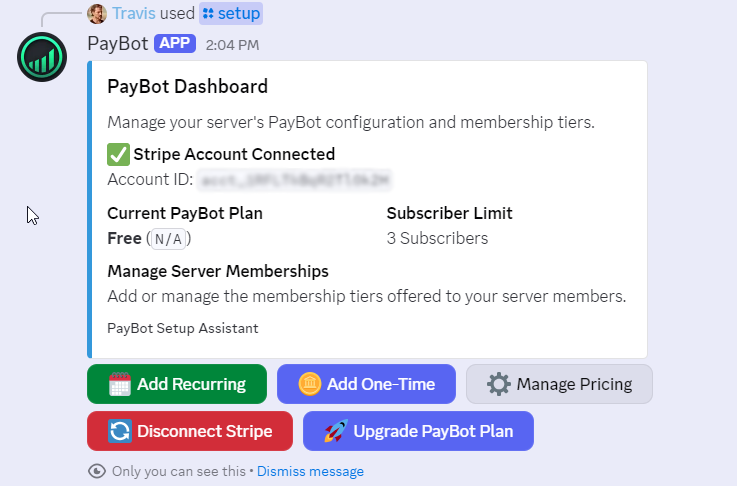
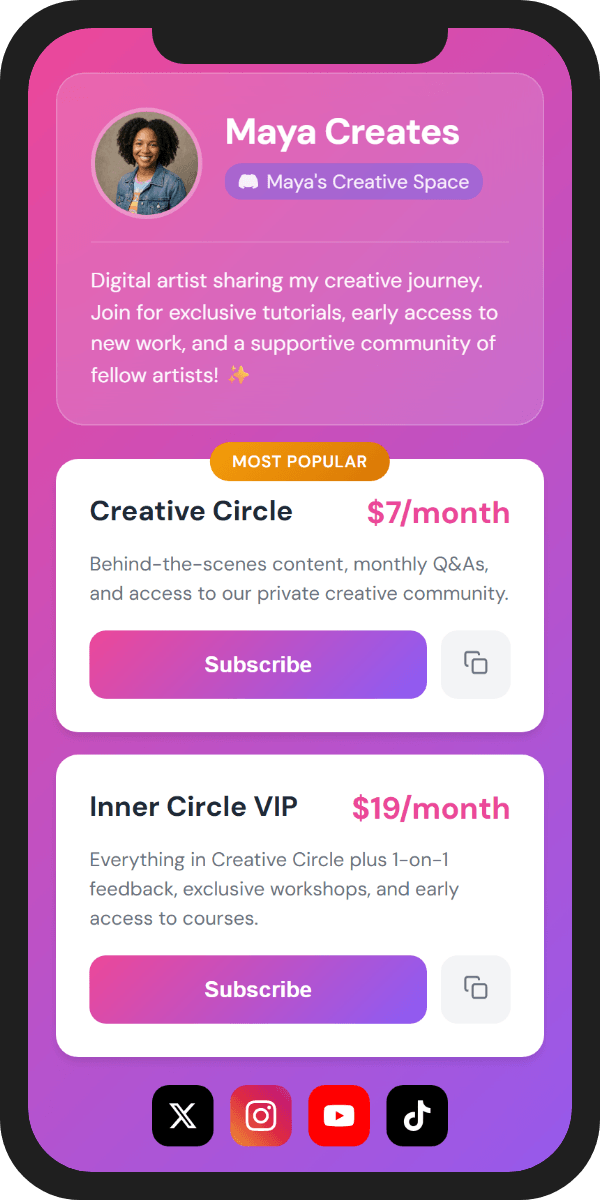
LaunchPass uses your Stripe account. So does PayBot.
Both connect via Stripe Connect. Your subscribers, payment history, and customer data live in your Stripe dashboard. Switching is just disconnecting one bot and connecting another. Same account. Same customers. Different automation.
How the Switch Works
Four steps. Five minutes. Zero downtime.
Add PayBot to Your Server
Type /setup in Discord. Connect the same Stripe account you use with LaunchPass. Takes 60 seconds.
Stripe Sync Imports Everything
PayBot automatically reads all active subscriptions from your connected Stripe account. No CSV exports. No manual entry. It just sees them.
Subscribers Claim Their Roles
Each subscriber gets an email with a link. They click it, connect Discord via OAuth, and PayBot assigns their role. No re-checkout. No new payment.
Disconnect LaunchPass
Once everyone has claimed, disconnect LaunchPass. New subscriptions now flow through PayBot automatically. You're done.
What Your Subscribers See
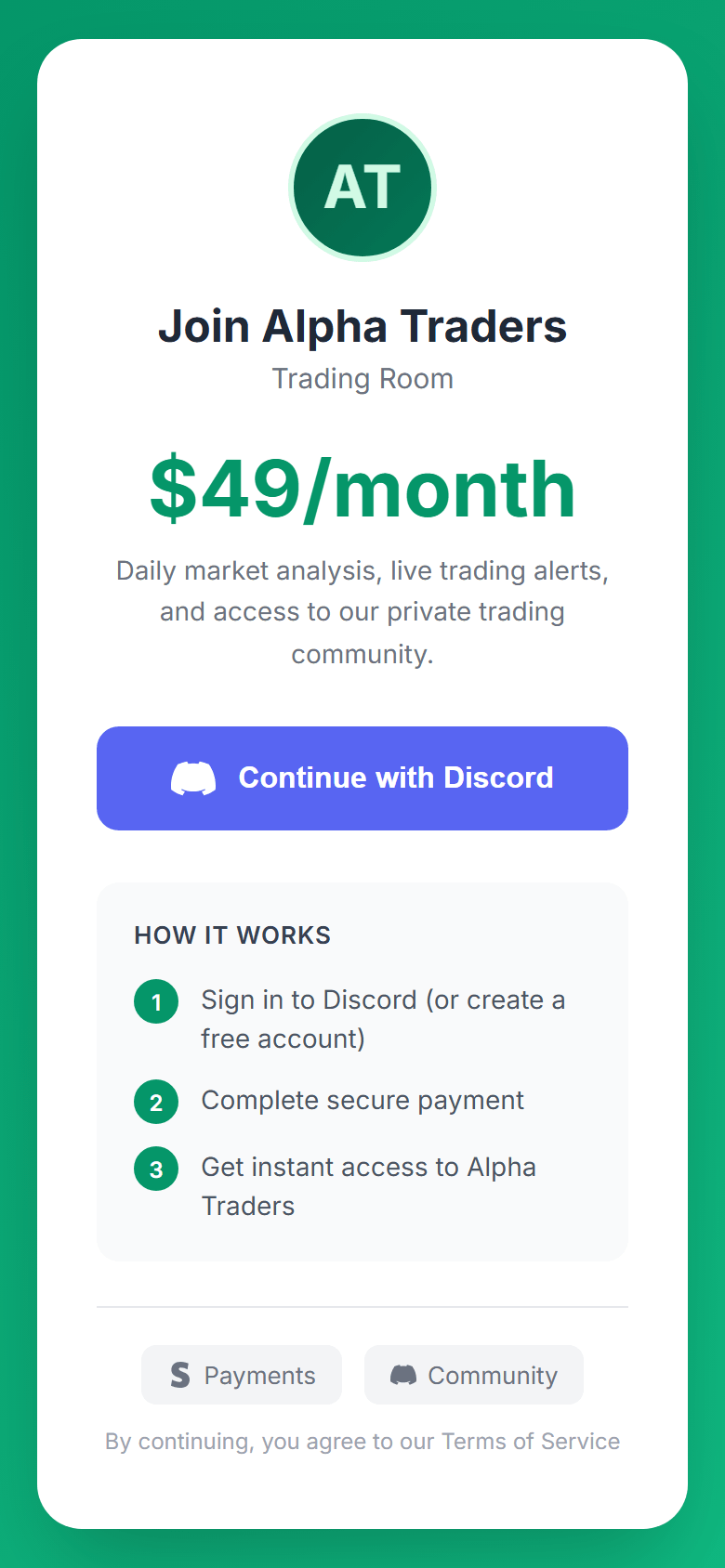
They don't re-enter payment info. They don't re-checkout. Here's their entire experience:
Their existing Stripe subscription continues uninterrupted. Same billing date. Same card. Same price. They just clicked a link.
How Much LaunchPass Costs You
LaunchPass: $29/mo + 3.5% of revenue. PayBot: $0.
What Changes, What Doesn't
Stays the Same
- Your Stripe account and all customer data
- Every active subscription and billing cycle
- Payment methods on file (no re-entry)
- Your Discord server and roles
- Revenue coming in on schedule
Goes Away
- 3.5% platform fee on every transaction
- $29/month base fee
- External landing pages (PayBot has portals)
- Split focus across Discord/Telegram/Slack
What You Gain
Everything LaunchPass does, plus more. At zero cost.
Branded Storefronts
Link-in-bio portals with 8 themes, custom colors, and your branding. Share one link anywhere.
Payment Links
Embeddable checkout links for your website, YouTube description, Twitter bio. Direct to Stripe.
Team Payroll
Pay your moderators and staff automatically when you get paid. They connect their own Stripe.
100% Discord Focus
Every feature built for Discord. No split attention across Telegram and Slack. Your Discord experience is the priority.
Migration Questions
Will my subscribers have to re-enter payment info?
No. Their Stripe subscriptions continue untouched. Same card, same billing date, same price. They just click a link to connect their Discord account to PayBot.
Is there any downtime during the switch?
No. You can run both LaunchPass and PayBot simultaneously during migration. Once all subscribers have claimed their roles in PayBot, disconnect LaunchPass. Zero gap.
What if a subscriber doesn't claim?
Their Stripe subscription keeps running regardless. They just won't have their Discord role until they click the claim link. You can resend the email anytime.
Do I need the same Stripe account?
Yes, and that's the whole point. LaunchPass connects to your Stripe via OAuth. PayBot does the same. Disconnect one, connect the other. Your Stripe data doesn't move because it never left.
What about new subscribers during migration?
PayBot's webhook auto-capture detects new Stripe subscriptions in real-time. Anyone who subscribes after you connect PayBot is automatically routed to the claim flow.
How much does PayBot cost?
The free tier has everything you need to migrate and run. Zero platform fees, zero commissions. You only pay Stripe's processing (2.9% + 30¢), which you're already paying on LaunchPass.
Same Stripe. Same Subscribers. Zero Fees.
The only thing that changes is how much you keep.