Everything Your Paid Discord Needs — Nothing It Doesn't
Subscriptions, storefronts, one-time sales, automatic roles, analytics, and automation — all through your own Stripe account with 0% platform fees.
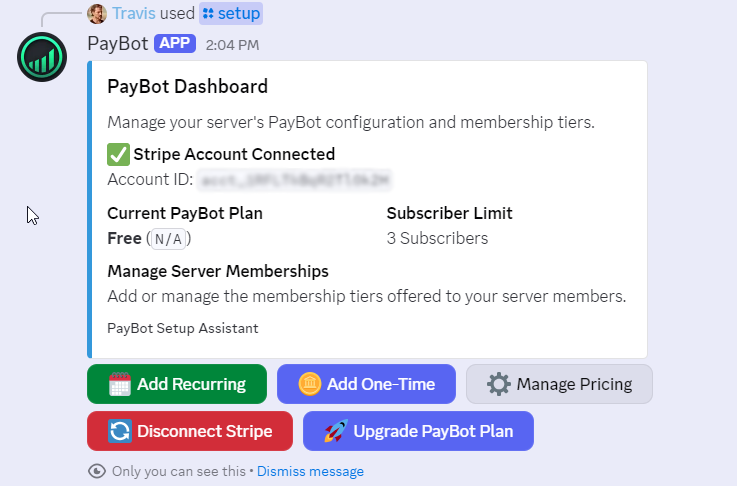
Accept Payments Without Leaving Discord
One-click Stripe checkout for subscriptions and one-time purchases. Failed-payment retries, billing management, and receipts — all automatic.
- Monthly and yearly subscriptions at any price point
- One-time purchases for courses, coaching, and digital products
- Stripe Smart Retries recover failed payments on autopilot
- Members manage their own billing — zero support tickets for you
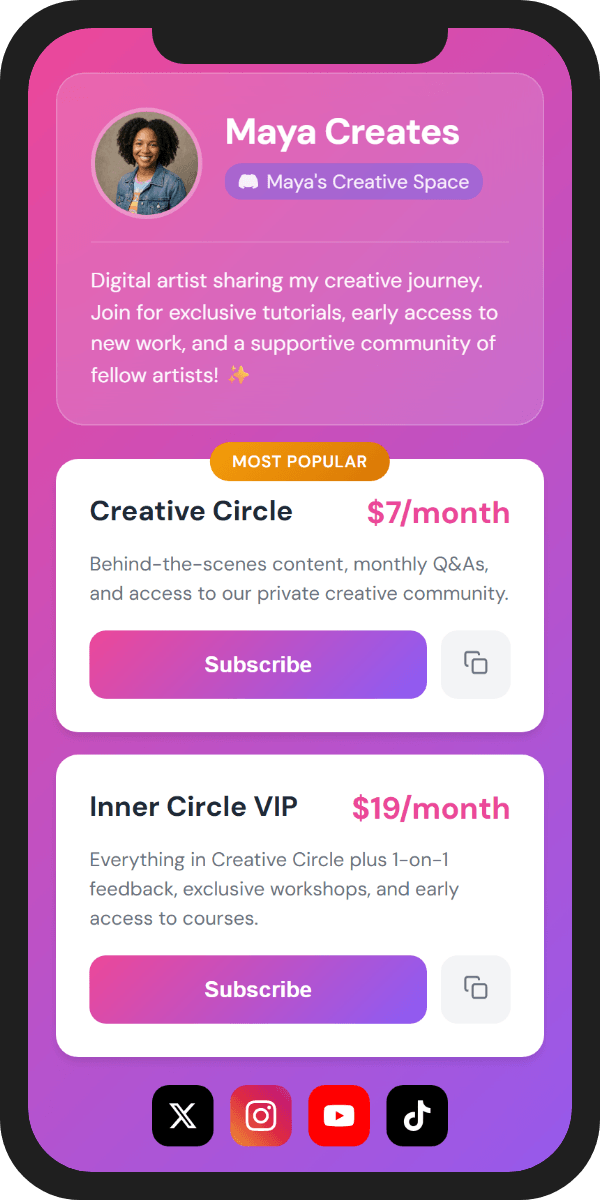
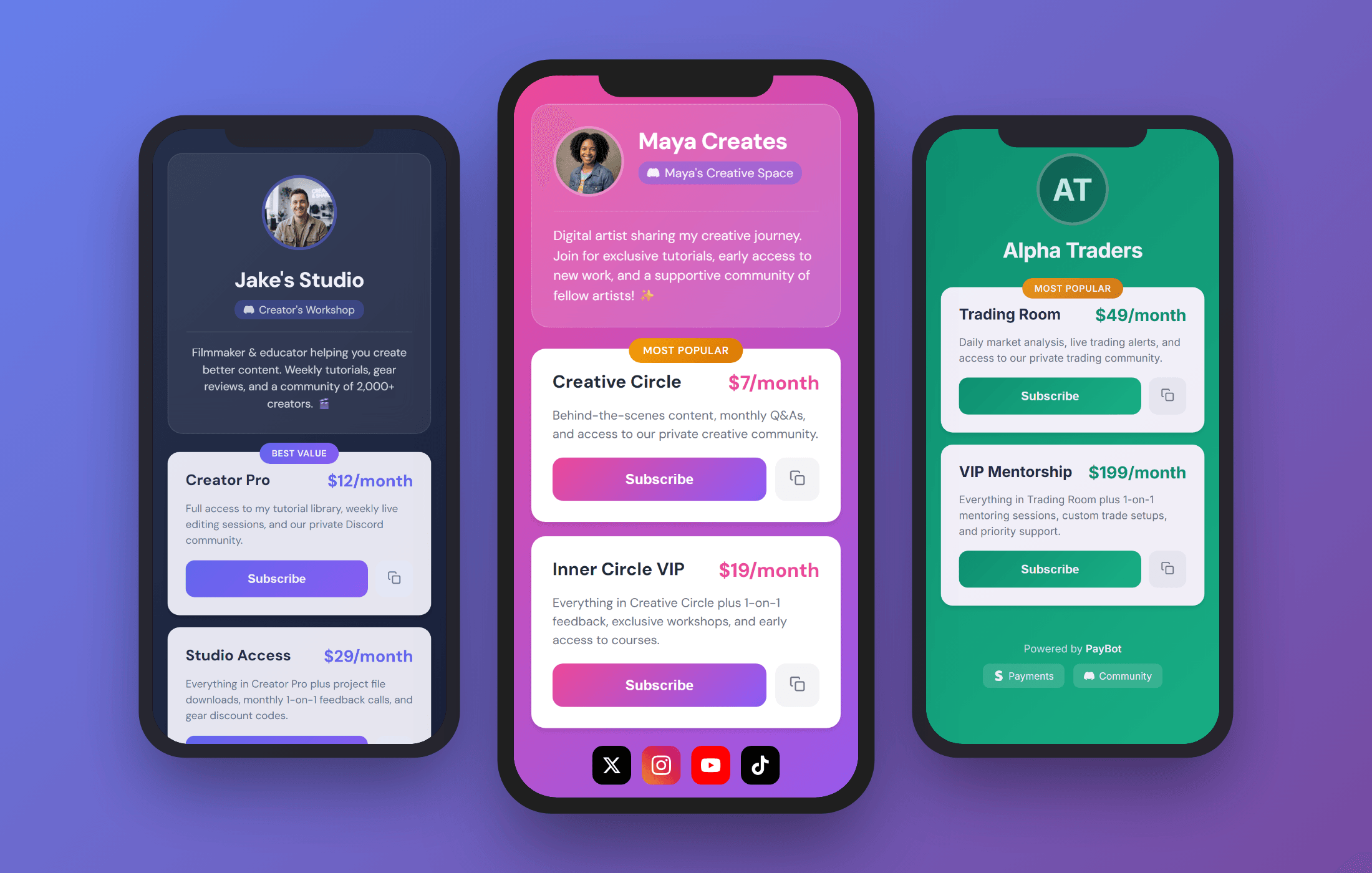
A Checkout Page You Can Drop Anywhere
Branded storefront at go.paybotapp.com/yourname — share it on social, YouTube, or in emails. Buyers don't need Discord. They create an account at checkout and get a server invite emailed automatically.
- 8 color themes to match your brand
- Short payment links at
pybt.me/code - Auto-email Discord invite to buyers outside Discord
- Mobile-optimized checkout on any device
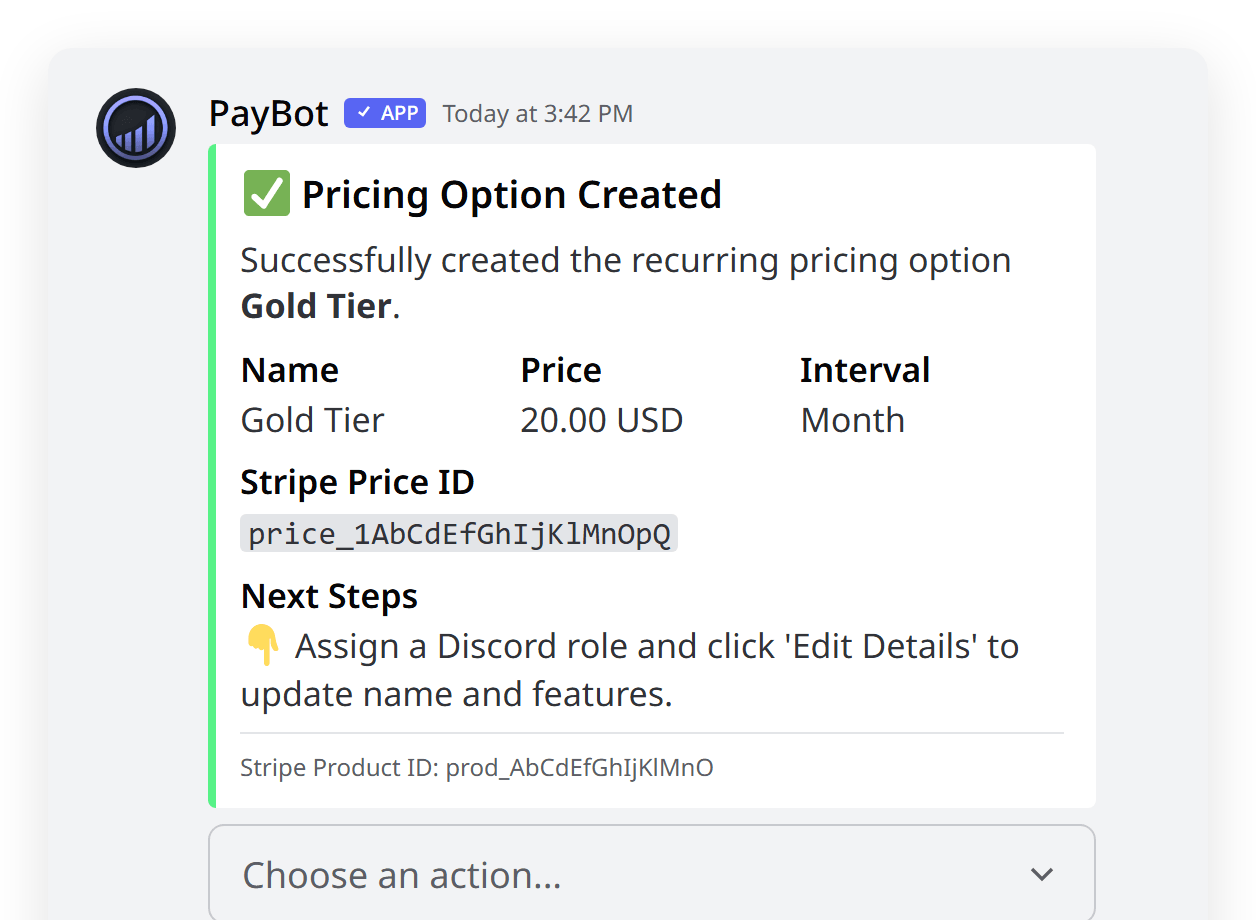
Roles That Manage Themselves
Paid? Access granted. Canceled? Access revoked. Roles update the instant a payment clears or a subscription ends — no spreadsheets, no manual work, no gaps.
- Instant role assignment the second Stripe confirms payment
- Automatic removal on cancellation or failed payment
- Tier groups handle upgrades and downgrades with prorated billing
- Gate any channel behind a paid role
Split Revenue, Reward Members, Manage Your Team
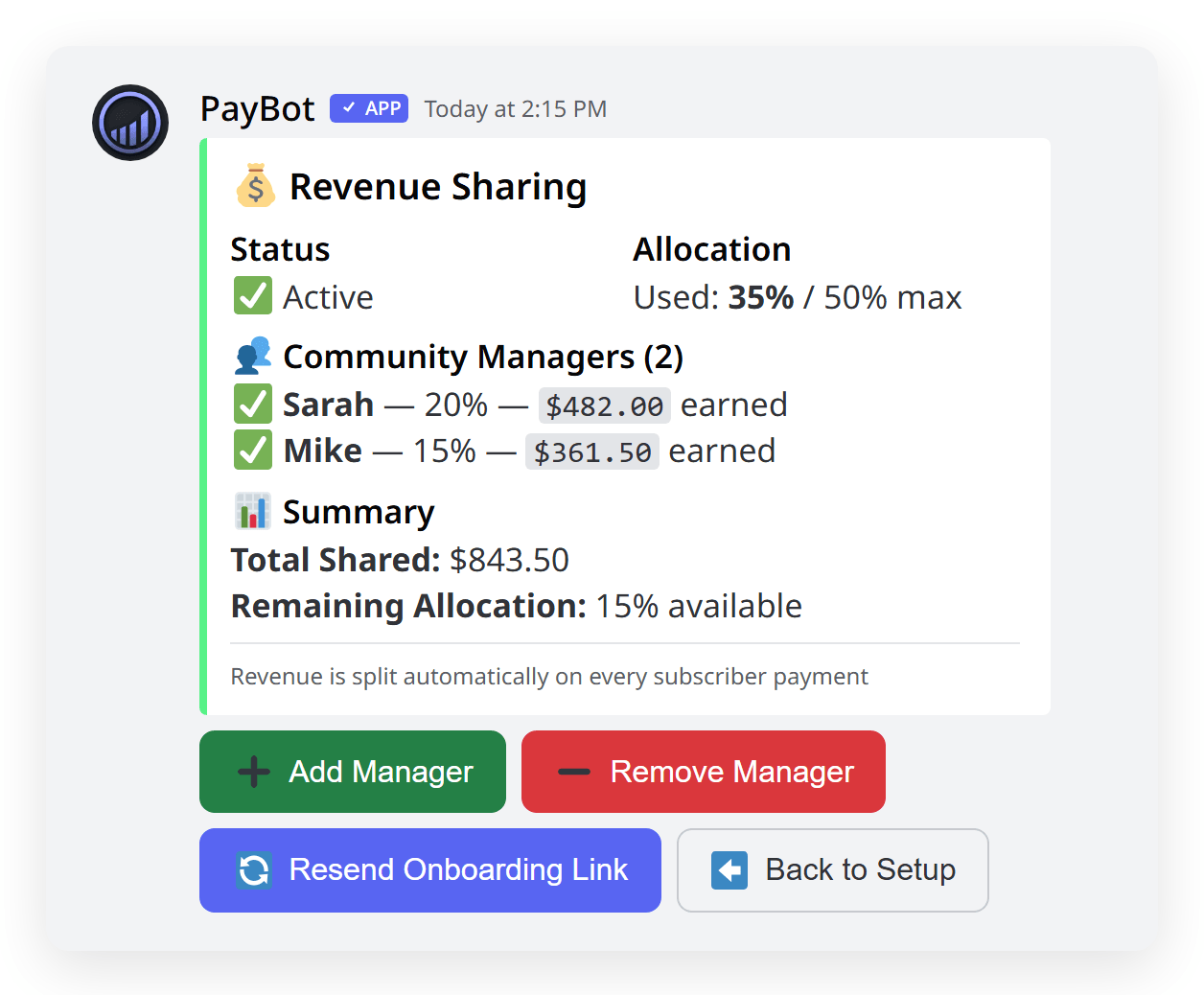
Pay your moderators their cut automatically. Let affiliates earn commissions. Gift free months to your best members. All from Discord.
- Automatic revenue sharing — set percentages, PayBot handles payouts
- Built-in affiliate program so members earn by referring others
- Gift free subscription time to reward loyal members
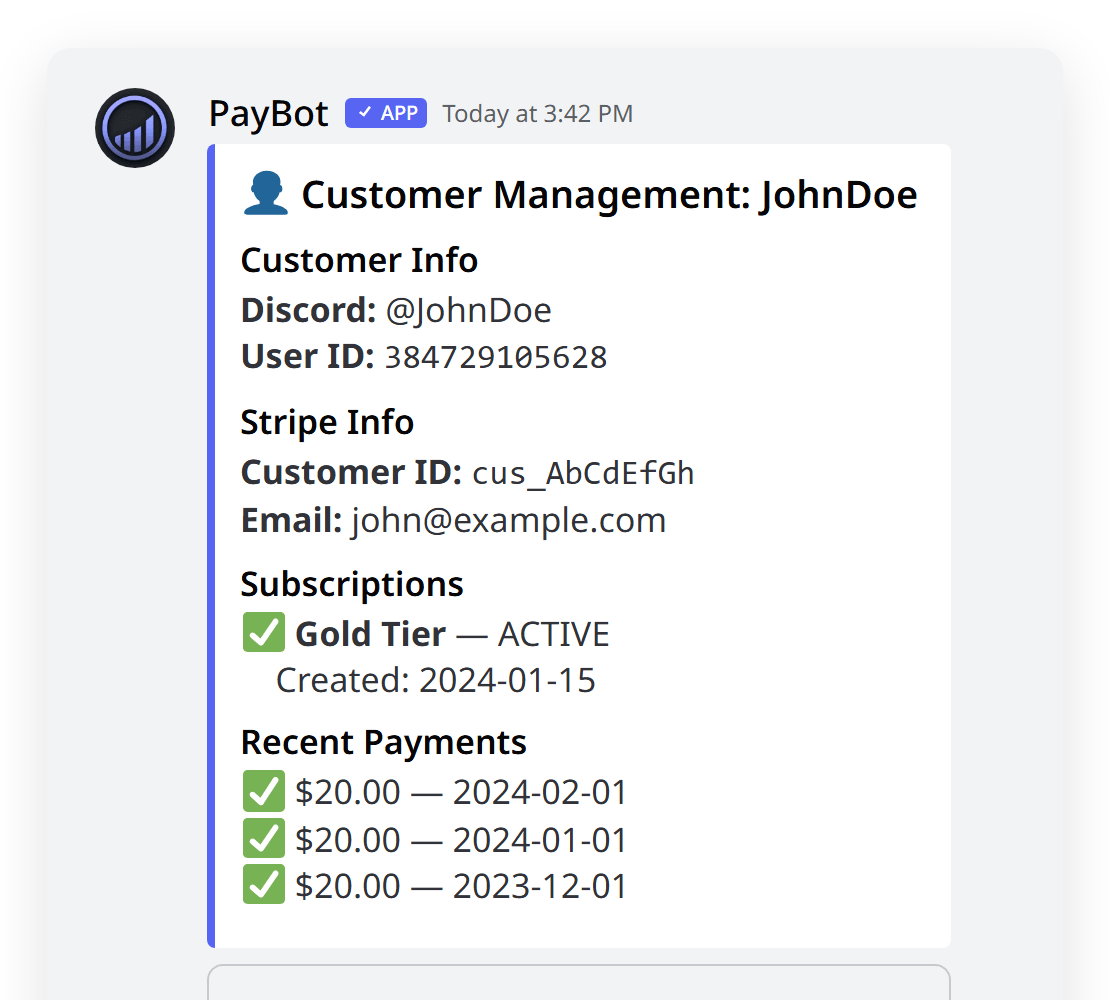
- Full admin controls to manage, override, or cancel any subscriber
Automate Everything After the Sale
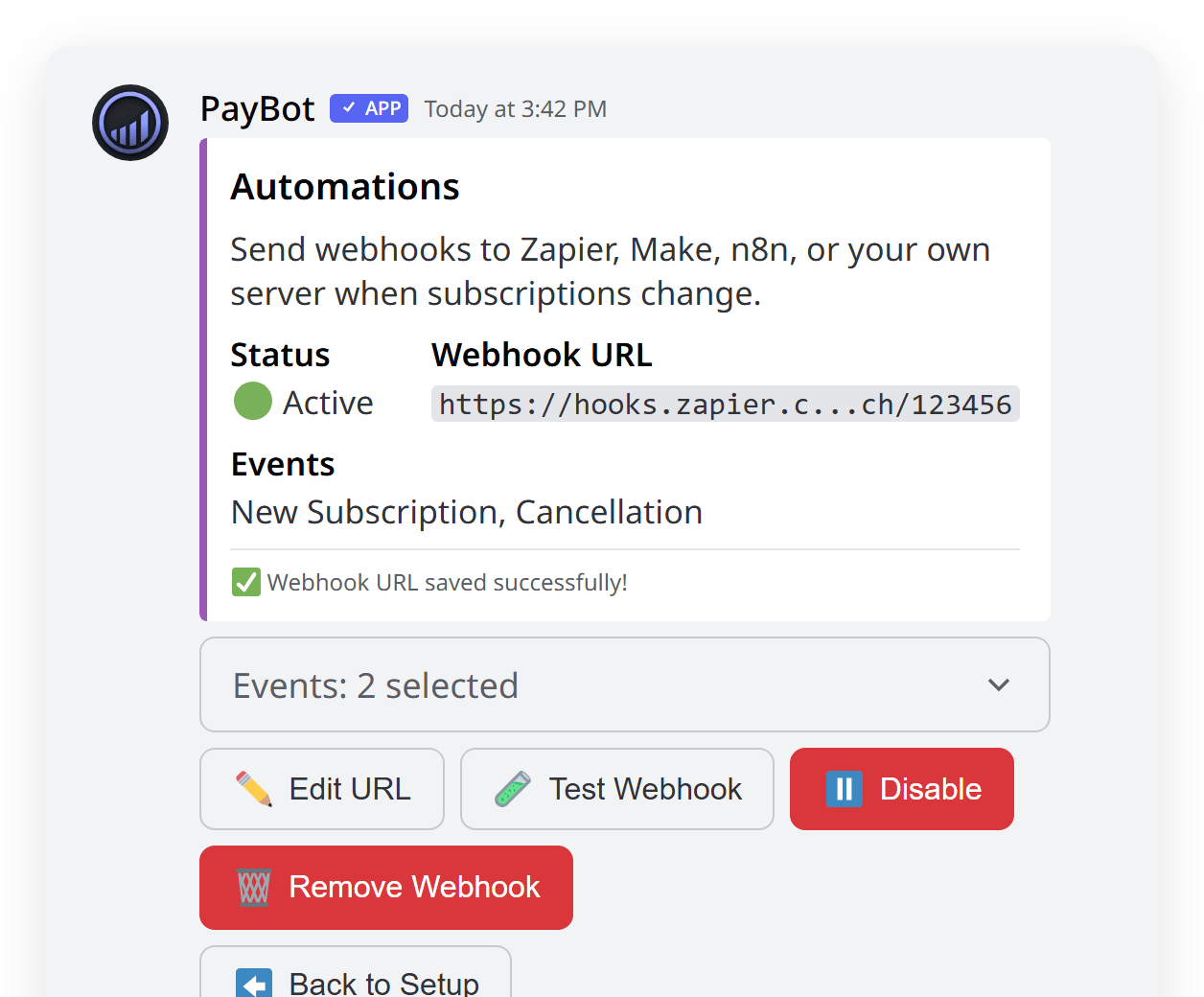
The moment someone subscribes, PayBot sends a custom welcome DM with course links, onboarding steps, or resource access — then fires a webhook so your other tools react too.
- Per-tier welcome DMs with clickable links to courses, portals, and forms
- Deliver access to content outside Discord — Teachable, Kajabi, Google Drive, anything
- Real-time webhook events for Zapier, Make, n8n, or custom workflows
Know Exactly What's Converting — and What's Not
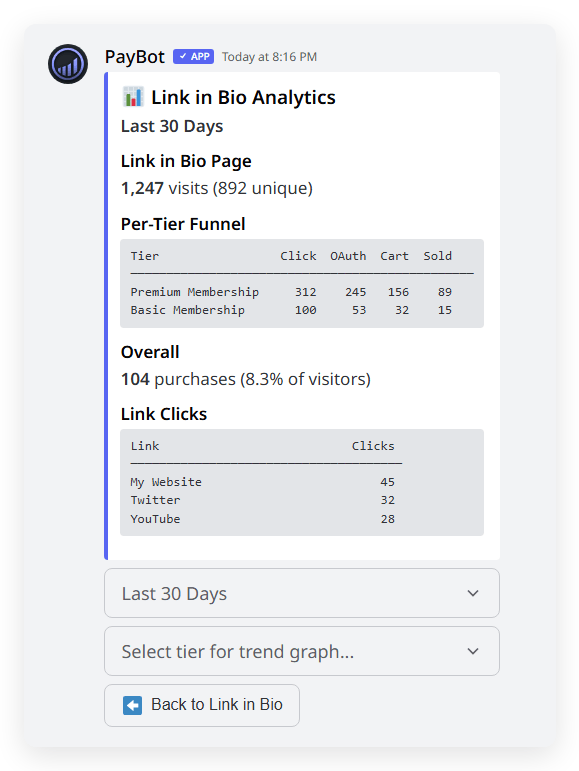
Full funnel analytics from storefront view to completed purchase. See which tiers sell, where buyers drop off, and how revenue trends over time.
- Track every step: views → clicks → OAuth → checkout → purchase
- 7, 30, and 90 day time ranges
- Performance breakdown per storefront
- Revenue and churn reporting
Switch From LaunchPass, Memberful, or Any Stripe Setup
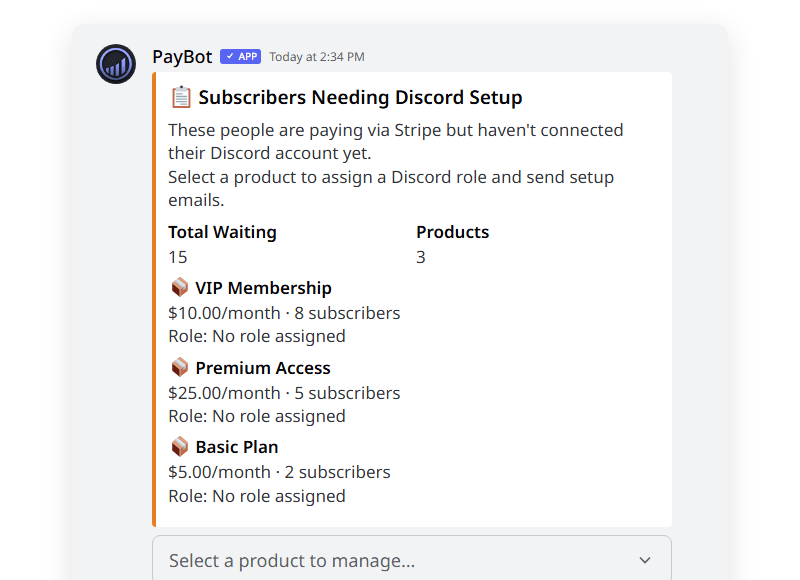
Import your existing Stripe subscribers into PayBot. No canceled subscriptions, no lost revenue, no disruption to your members.
- Import subscribers grouped by Stripe product — billing stays intact
- Map each product to a Discord role automatically
- Bulk email subscribers a link to connect their Discord account
- Members keep paying the same way — they won't notice the switch
Keep 100% of Your Revenue
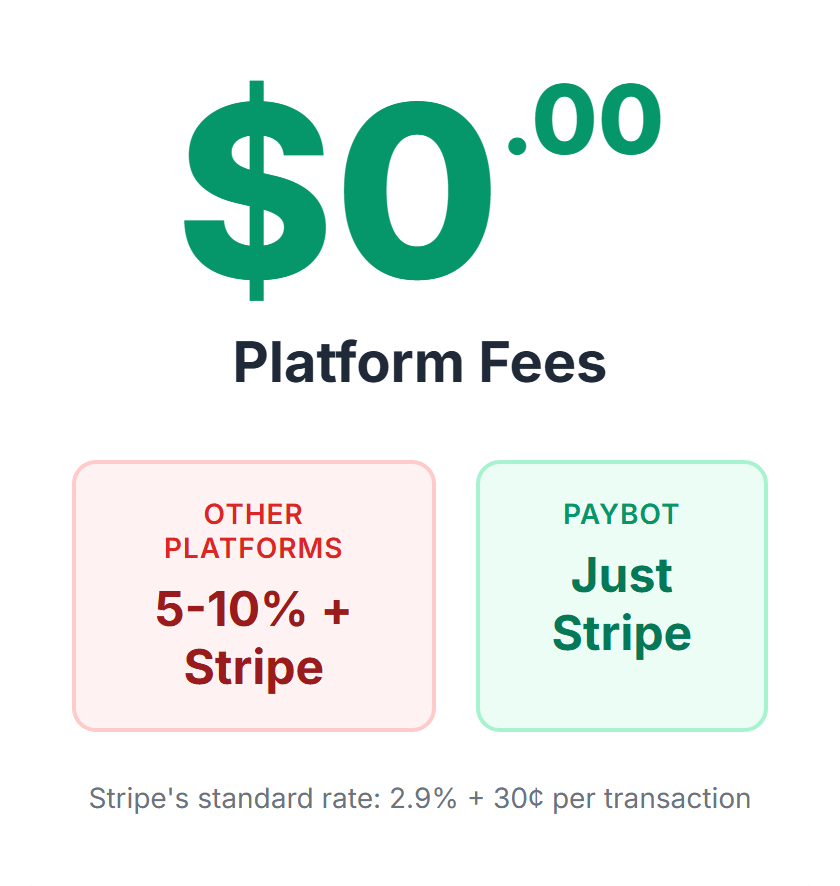
Most platforms take 3–10% of every transaction on top of Stripe. PayBot takes nothing. You only pay Stripe's standard processing rate.
- 0% platform fee — not now, not ever
- Revenue goes straight to your Stripe account
- No hidden charges, no surprise invoices
- Only pay Stripe's standard 2.9% + 30¢ per transaction
Trusted by Discord Communities
"PayBot simplified our entire subscription process. We set it up in minutes and now manage over 200 premium members effortlessly."

"The tier grouping feature has increased our revenue by 40%. Members can easily upgrade their subscriptions without any friction."

"Our members love how easy it is to subscribe. The seamless role assignment and checkout process has boosted our conversion rate significantly."

See Why Communities Switch to PayBot
Side-by-side comparisons with LaunchPass, Whop, Patreon, and more. 0% platform fees. Full Stripe ownership. No middleman.
Frequently asked questions
Common questions about PayBot's features
What features are included on PayBot's free tier?
The free tier includes up to 3 subscribers, unlimited pricing tiers, a branded storefront (link-in-bio), payment links, tier groups with upgrades/downgrades, gift free time, onboarding DMs, auto-email Discord invites, and automatic role assignment.
How does automatic role management work?
When a member pays, PayBot instantly assigns the corresponding Discord role. When a subscription is canceled or a payment fails, the role is automatically removed. Tier groups handle upgrades and downgrades with prorated billing.
What payment methods does PayBot support?
PayBot supports all payment methods enabled in your Stripe account, including credit/debit cards, Apple Pay, Google Pay, and more. Stripe handles all payment processing securely.
Can I use PayBot for one-time purchases, not just subscriptions?
Yes. PayBot supports both recurring subscriptions and one-time purchases. You can sell courses, coaching sessions, digital products, or any single-purchase item alongside your subscriptions.
Does PayBot integrate with tools like Zapier and Make?
Yes. PayBot sends webhook events for subscribes, cancellations, and other actions. You can connect these to Zapier, Make (Integromat), n8n, or any webhook-compatible automation tool.
How does the branded storefront work?
Each server gets a customizable link-in-bio page at pybt.me/yourname with 8 color themes, your bio, social links, and pricing tiers. Share this single link anywhere — social media, YouTube descriptions, newsletters — and it works on any device.
Start Earning From Your Discord — Today
Every feature on this page is live right now. Add PayBot, connect Stripe, and accept your first payment in under 5 minutes.