PayBot vs LaunchPass

LaunchPass bills you on day one. PayBot waits until you sell.

Both sell subscriptions in Discord. The difference: LaunchPass charges $29/month before you've made a dollar, and the money runs through their account. PayBot is free to add, runs on your own Stripe, and earns a small share only when your community sells.

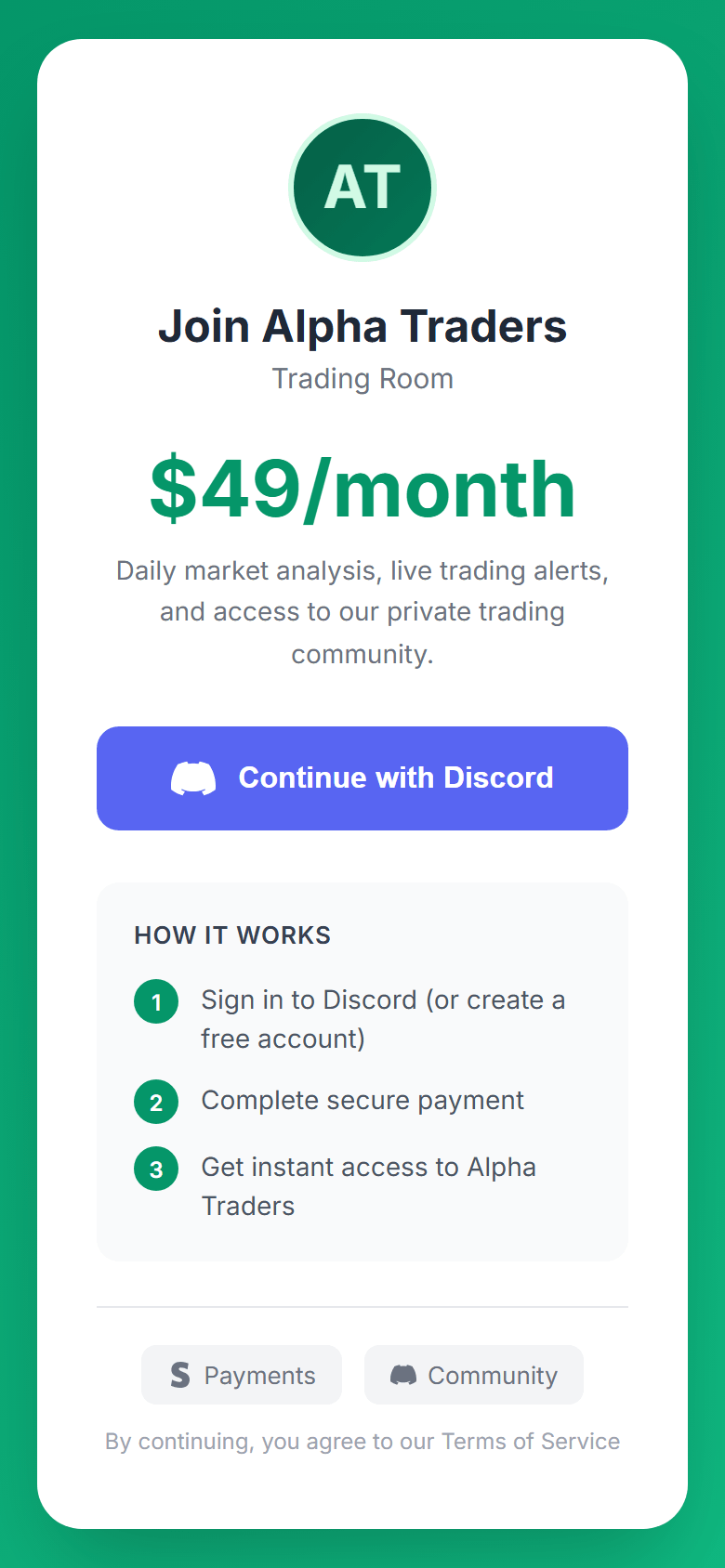
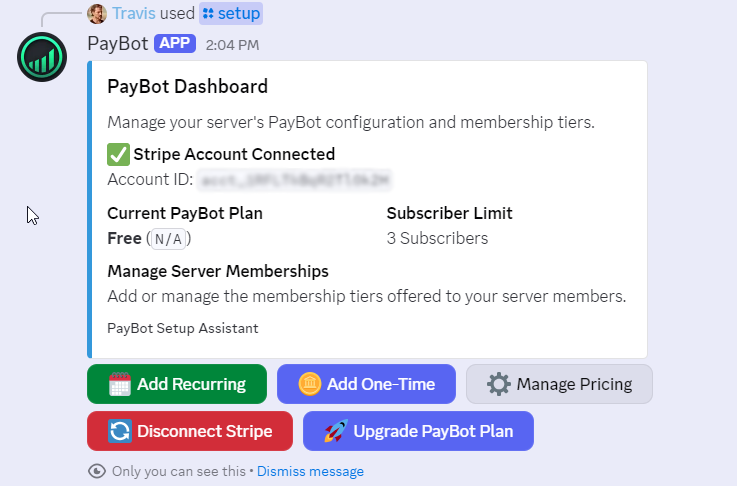
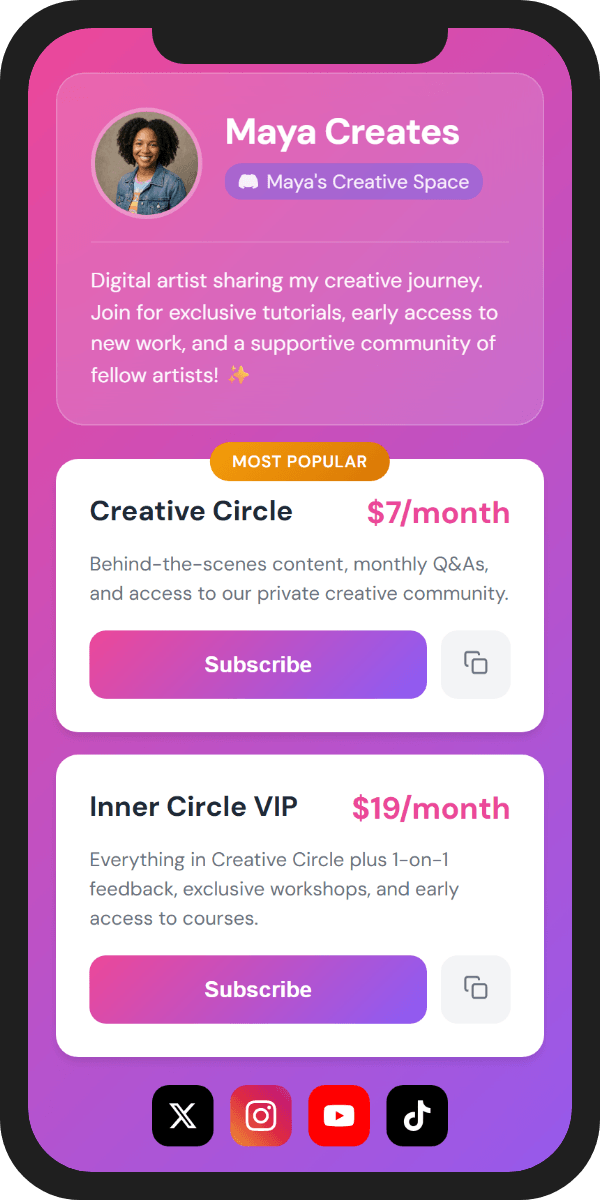
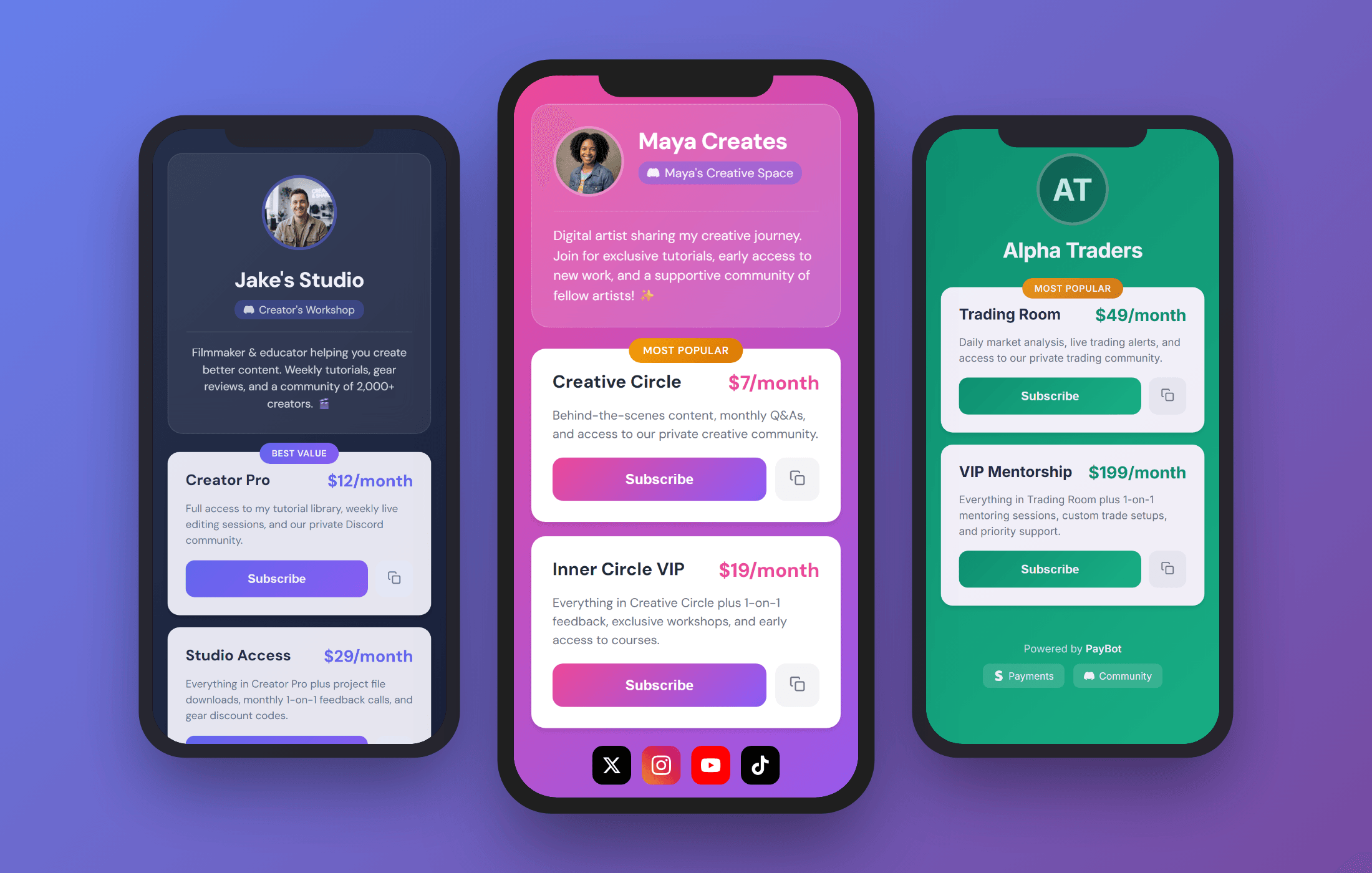
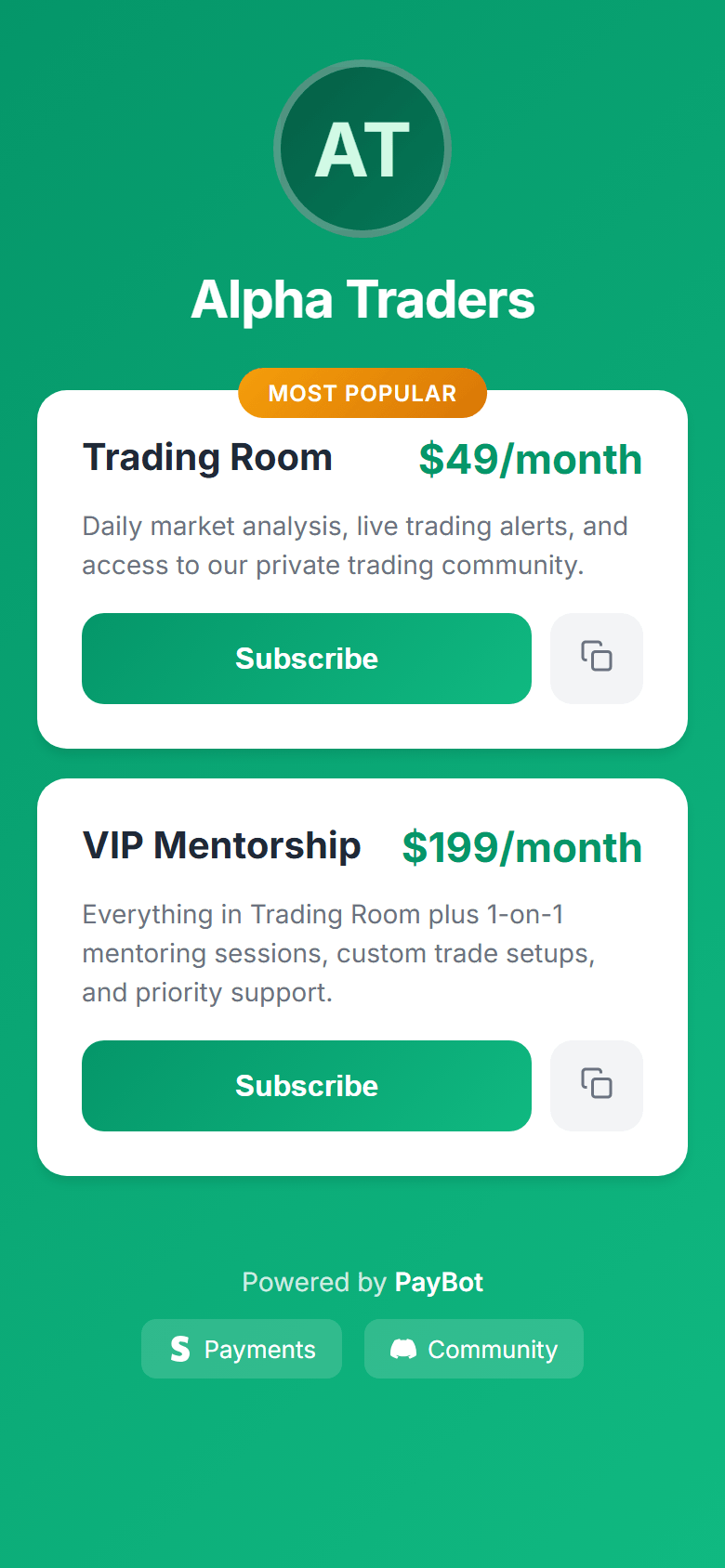
PayBot dashboard showing Stripe connected and membership management PayBot payment portal on mobile, share anywhere

What is LaunchPass?

LaunchPass is a tool for charging access to Discord, Telegram, and Slack communities. It handles subscriptions, payments, and role management. Plans start at $29/month plus 3.5% of your revenue.

PayBot does the same for Discord: subscriptions, automatic roles, Stripe checkout. The model is different. It's free to add, paid only when you sell, and runs on your own Stripe. Here's how they compare.
Side-by-Side Comparison

FeaturePayBotLaunchPass
Cost Before You SellFree Add it and run it free$29/mo Billed from day one
When You PayOnly when you sellMonthly, sale or not
Whose StripeYours You own every customerRouted through LaunchPass They process, then pay you out
PayoutDirect to your Stripe The moment a sale clearsThey collect, then pay you
Platform Focus100% Discord All-in on DiscordDiscord + Telegram + Slack Split three ways
Link-in-Bio Storefront Yes 8 themes, custom URLs No Not available
Payment Links Yes YouTube, X, TikTok bios No Not available
One-Time Payments Yes Courses, coaching, lifetime No Subscriptions only
Built-In Courses Yes Discord-native, completion unlocks channels (beta) No Not available
Team Payroll Yes Auto-pay moderators (Ultra) No
Setup Time60 seconds30+ minutes
Telegram/SlackNoYes Their advantage

What it costs to start

LaunchPass bills you on day one. PayBot waits until your community actually sells.

PayBot

Free to start
  • $0 to add the bot and connect Stripe
  • No monthly fee, no trial clock
  • Just 3% when a sale clears, nothing before
  • Paid direct to your own Stripe
No sales yet? You pay nothing.

LaunchPass

$29/mo from day one
  • $29/month base fee, sale or not
  • Plus 3.5% on every transaction
  • Money routed through their account
No sales yet? You still owe $29.

Sell courses from Discord

LaunchPass only does subscriptions. PayBot lets you sell one-time products too: coaching packages, courses, lifetime access, digital downloads.

  • One-time payments alongside subscriptions
  • Coaching, courses, digital products
  • Roles assigned instantly on purchase
  • No separate tool needed
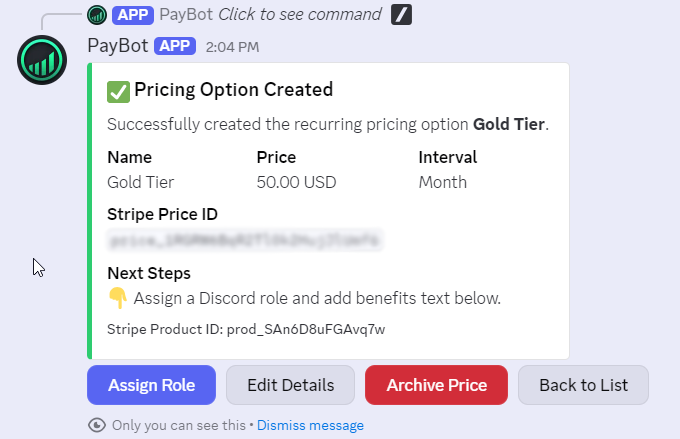
PayBot subscription pricing tiers in Discord

How PayBot pricing works

No monthly fee. No trial clock. You only pay once your community pays you.

1

Add the bot, free

Drop PayBot into your server and connect your Stripe. Nothing to pay, no card up front.

2

Sell when you're ready

Create a tier, share your link, let members subscribe. An empty month costs you nothing.

3

We earn only when you do

When a sale clears in your own Stripe, PayBot keeps 3%. You keep well over 90% of every dollar, and the customer is yours.

Free to add, free to run. LaunchPass charges $29/month from the day you sign up, sale or no sale.

Add PayBot to Server Free to add • Free to add

Trusted by Discord Communities

"PayBot simplified our entire subscription process. We set it up in minutes and now manage over 200 premium members effortlessly."

Daniel from Active Stacks Community

Daniel

Active Stacks Community • 210 members

"The tier grouping feature has increased our revenue by 40%. Members can easily upgrade their subscriptions without any friction."

Tommy

Tommy

Men's Fitness and Bible Study • 95 members

"Our members love how easy it is to subscribe. The seamless role assignment and checkout process has boosted our conversion rate significantly."

PipelineGuy from Pipeline Club

PipelineGuy

Pipeline Club • 140 members

When LaunchPass might be better

  • You need Telegram or Slack alongside Discord
  • You are fine with focus split across three platforms

If Discord is your primary platform and you don't need Telegram or Slack, PayBot is built specifically for you.

Common Questions

I haven't used LaunchPass yet. Why choose PayBot?

PayBot is free to add and free to run: storefronts, payment links, and automatic roles from day one. You pay 3% only when your community sells. LaunchPass charges $29/month from the start, sale or not.

What does it cost to try PayBot?

Nothing. Add the bot, connect Stripe, and create your tiers for free. You only pay 3% once a sale clears, and it lands in your own Stripe, not ours.

LaunchPass charges $29/month. What does PayBot cost to start?

Nothing. Add PayBot, connect your Stripe, and run it free. You pay 3% only when your community actually sells, so an empty month costs you zero, not $29.

Whose Stripe account do payments run through?

Yours. PayBot connects your own Stripe, so every subscriber and payout sits in your dashboard. LaunchPass routes payments through their account and pays you out. Leave them, and you start over.

Do my members leave Discord to pay?

No. They type /subscription right in Discord, and the bot assigns their role the moment payment clears. LaunchPass sends them to an external landing page.

I need Telegram or Slack. Should I use LaunchPass?

If those are essential, yes. PayBot is Discord-only by design. If Discord is your home, that focus is the point. Every PayBot feature is built for it instead of split three ways.

Start selling in 60 seconds

Add PayBot to your Discord server, connect Stripe, and create your first tier, free. You only pay a small share once your community sells.

Add PayBot to Server Free to add • Free to add