PayBot vs LaunchPass

LaunchPass takes 3.5% of every sale. PayBot takes 0%.

Both let you sell subscriptions in Discord. The difference? LaunchPass charges $29/mo + 3.5% of your revenue. PayBot charges 0% platform fee — you only pay Stripe processing.

Try PayBot Free No credit card • 3 subscribers free
See the full comparison
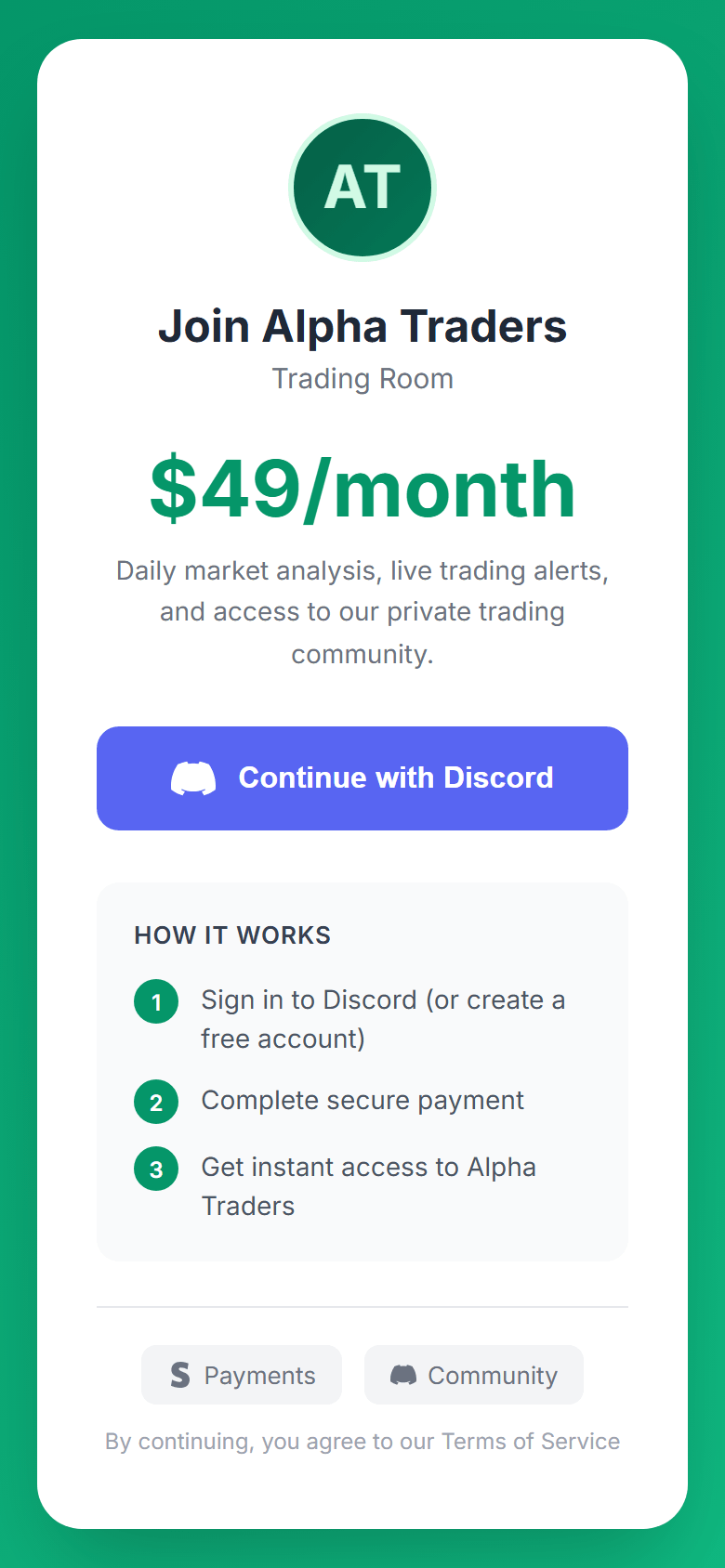
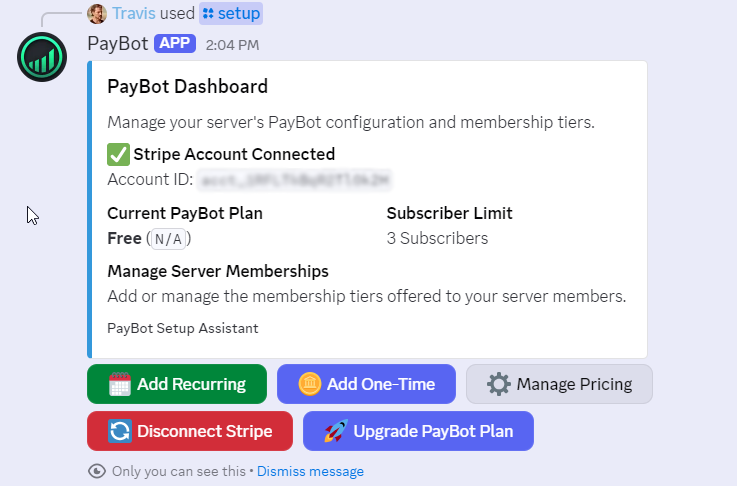
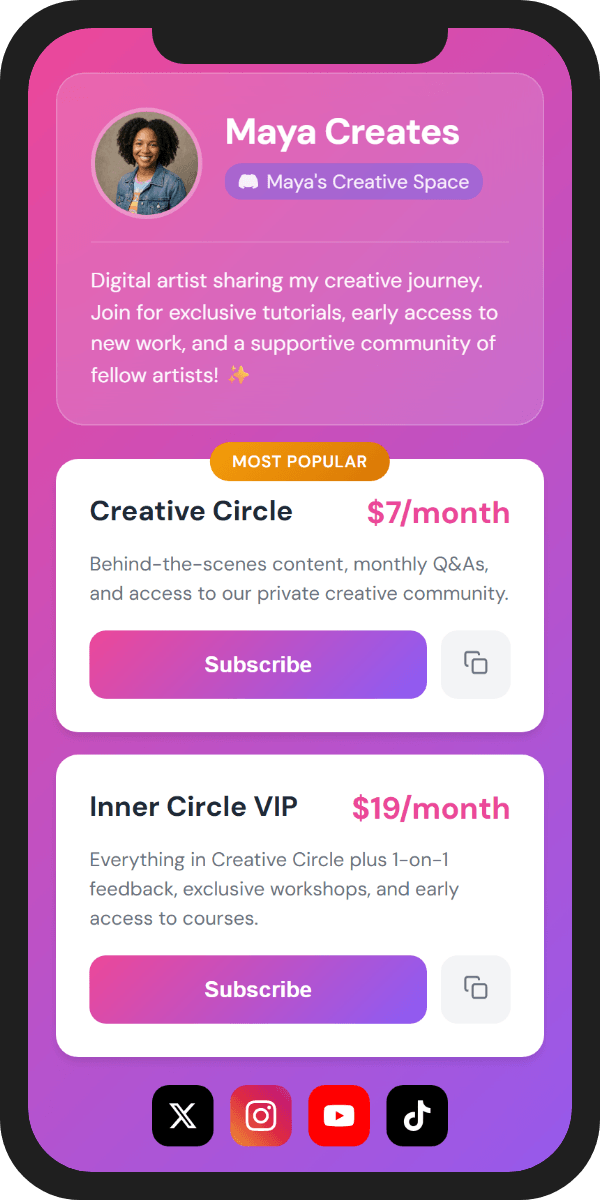
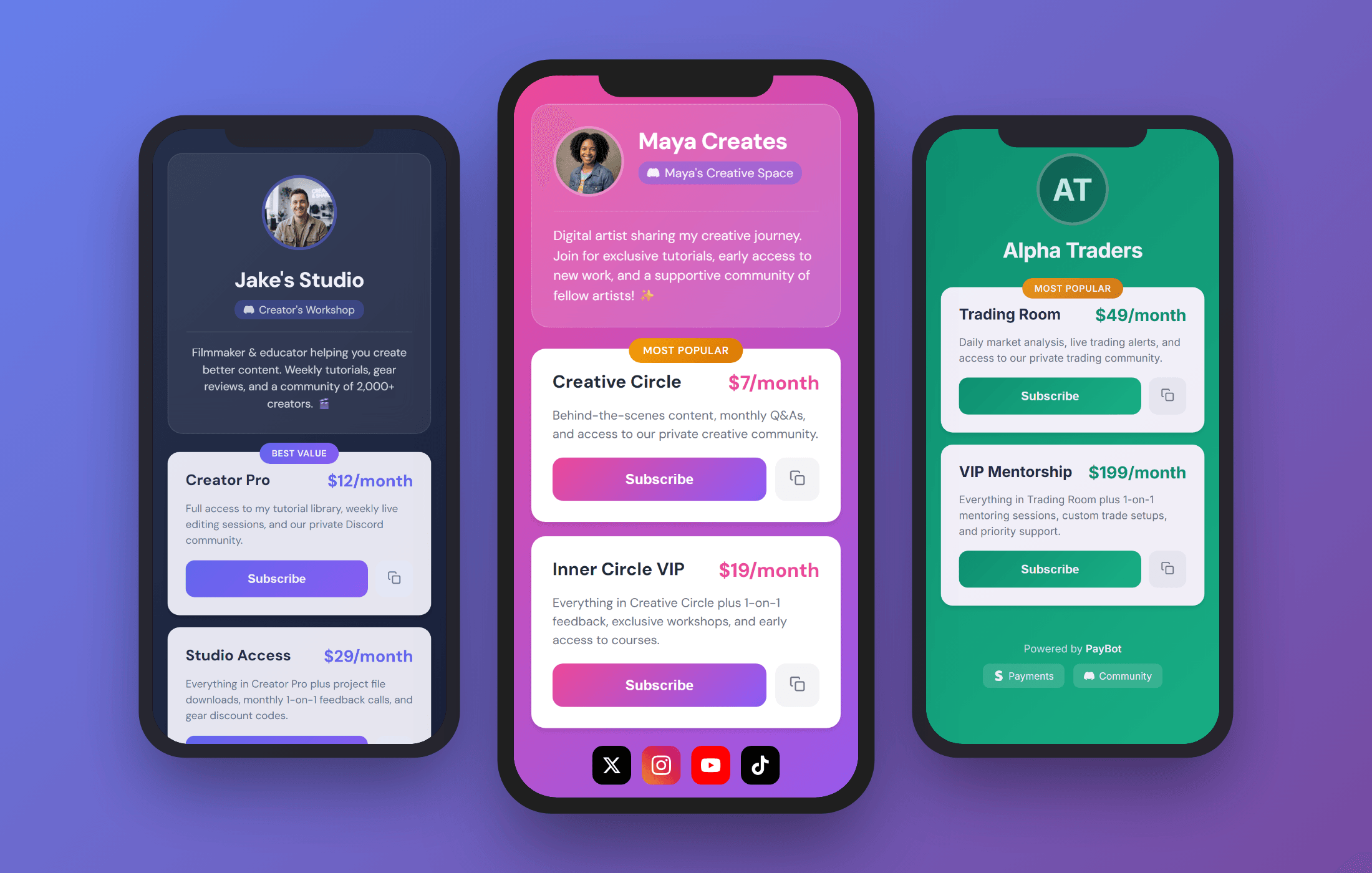
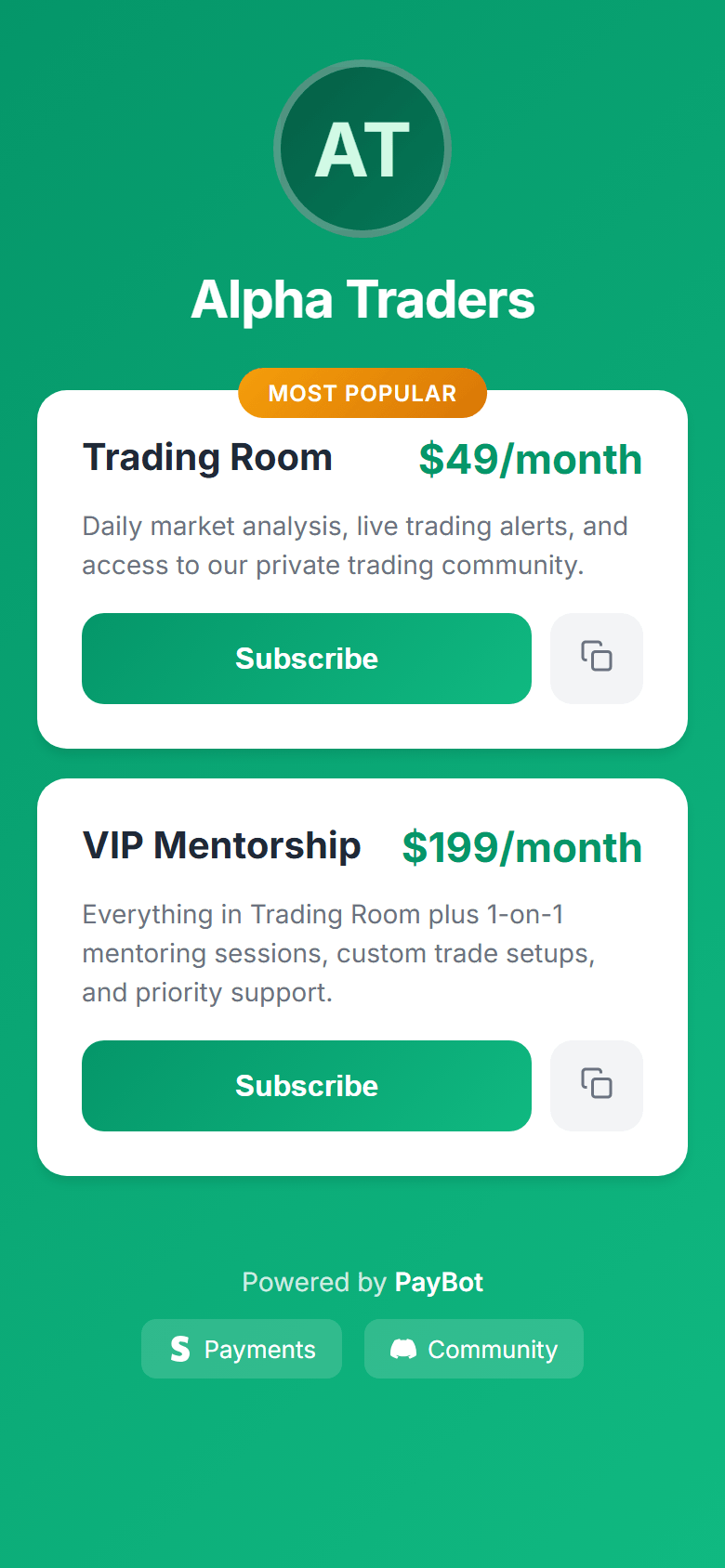
PayBot dashboard showing Stripe connected and membership management PayBot payment portal on mobile — share anywhere

What is LaunchPass?

LaunchPass is a tool for charging access to Discord, Telegram, and Slack communities. It handles subscriptions, payments, and role management. Plans start at $29/month plus 3.5% of your revenue.

PayBot does the same thing for Discord — subscriptions, auto role management, Stripe checkout — but with a different model. Here's how they compare.
Side-by-Side Comparison

FeaturePayBotLaunchPass
Platform Fee0% Only Stripe processing$29/mo + 3.5% $379/mo on $10k revenue
Stripe ModelDirect billing Your Stripe is merchant of recordRouted through LaunchPass LaunchPass processes, pays you out
Platform Focus100% Discord All-in on DiscordDiscord + Telegram + Slack Split three ways
Link-in-Bio Storefront Yes 8 themes, custom URLs No Not available
Payment Links Yes YouTube, Twitter, TikTok bios No Not available
One-Time Payments Yes Courses, coaching, digital products No Subscriptions only
Team Payroll Yes Auto-pay moderators (Ultra) No
Setup Time60 seconds30+ minutes
Free Tier Yes 3 subscribers, no credit card No Starts at $29/mo
Telegram/SlackNoYes Their advantage

The Real Cost Comparison

Both charge Stripe's processing fee (2.9% + 30¢). The difference is the platform fee.

PayBot

0% platform fee
  • Free tier: $0/mo (3 subscribers)
  • Small: $9/mo (50 subscribers)
  • Large: $89/mo (500 subscribers)
  • Ultra: $399/mo (unlimited)
100 subs at $20/mo: $9–89/mo plan cost

LaunchPass

$29/mo + 3.5% of revenue
  • $29/month base fee
  • 3.5% on every transaction
  • Adds up fast at scale
100 subs at $20/mo: $29 + $70 fee = $99/mo

Sell courses from Discord

LaunchPass only does subscriptions. PayBot lets you sell one-time products too — coaching packages, courses, lifetime access, digital downloads.

  • One-time payments alongside subscriptions
  • Coaching, courses, digital products
  • Roles assigned instantly on purchase
  • No separate tool needed
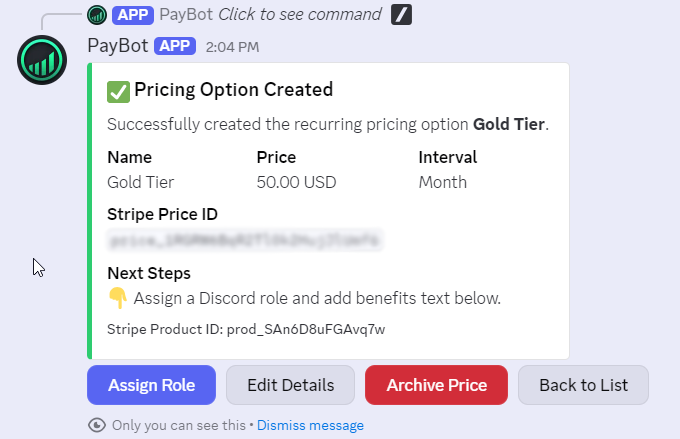
PayBot subscription pricing tiers in Discord

Try PayBot free

Start with 3 subscribers for free. Upgrade when you're ready.

Free

$0 /month

Test drive with up to 3 subscribers

  • 3 subscribers
  • Unlimited pricing tiers
  • Storefront (Link in Bio)
  • Payment links
  • Automatic role assignment
  • Onboarding DMs
Add to Server No credit card • Try it free

Large

$89 /month

For established communities

  • 500 subscribers
  • One-time payments
  • Affiliate program
  • Subscriber management
  • Analytics dashboard
  • Storefront (Link in Bio)
  • Payment links
Add to Server No credit card • Scale up

0% platform fee on all plans. You only pay Stripe's processing (2.9% + 30¢).

Trusted by Discord Communities

"PayBot simplified our entire subscription process. We set it up in minutes and now manage over 200 premium members effortlessly."

Daniel from Active Stacks Community

Daniel

Active Stacks Community • 210 members

"The tier grouping feature has increased our revenue by 40%. Members can easily upgrade their subscriptions without any friction."

Tommy

Tommy

Men's Fitness and Bible Study • 95 members

"Our members love how easy it is to subscribe. The seamless role assignment and checkout process has boosted our conversion rate significantly."

PipelineGuy from Pipeline Club

PipelineGuy

Pipeline Club • 140 members

When LaunchPass might be better

  • You need Telegram or Slack integration (PayBot is pure Discord)
  • You're okay with split platform focus and the trade-offs that brings

If Discord is your primary platform and you don't need Telegram or Slack, PayBot is built specifically for you.

Common Questions

I haven't used LaunchPass yet. Why choose PayBot?

PayBot lets you test with 3 subscribers for free — no credit card. You get storefronts, payment links, and auto role management from day one. LaunchPass charges $29/month from the start with no free tier.

Can I try PayBot before committing?

Yes. The free tier includes full features for up to 3 subscribers. Connect Stripe, create tiers, share your storefront — if it works for you, upgrade when you're ready.

Why does "Discord-only" matter?

Focus. LaunchPass builds features for Discord, Telegram, AND Slack. Their team is split three ways. PayBot is 100% Discord—every feature, every update, every improvement is built specifically for Discord communities. You get a better product because we're not distracted.

What happens to my subscribers if I leave LaunchPass?

You lose them. LaunchPass owns the customer relationship. You'd email every member asking them to resubscribe elsewhere. Maybe 20% do. With PayBot, subscribers are in YOUR Stripe—switch platforms and they come with you.

How much do I actually save vs LaunchPass?

LaunchPass charges $29/month + 3.5% of revenue. On $10,000/month, that's $379 gone every month—$4,548/year. PayBot charges 0%. You only pay Stripe's processing (2.9% + 30¢), which you'd pay on LaunchPass anyway.

What about their landing page builder?

PayBot has Link in Bio portals—8 professionally designed themes, mobile-optimized, shareable anywhere. It's better than a landing page builder because it's built specifically for Discord creators, not generic SaaS pages.

I need Telegram. Should I use LaunchPass?

If Telegram is essential, yes—PayBot is Discord-only. But if Discord is your primary platform and Telegram is "nice to have," consider whether split focus is worth the trade-off. You're paying for features you might not need.

Start selling in 60 seconds

Add PayBot to your Discord server, connect Stripe, and create your first pricing tier. No credit card required for the free tier.

Add to Server Free tier • No credit card