
Compare Discord Monetization Platforms
PayBot runs on your own Stripe with no monthly fee and no subscriber cap, and puts proof you cannot fake on the page where a stranger decides to pay.
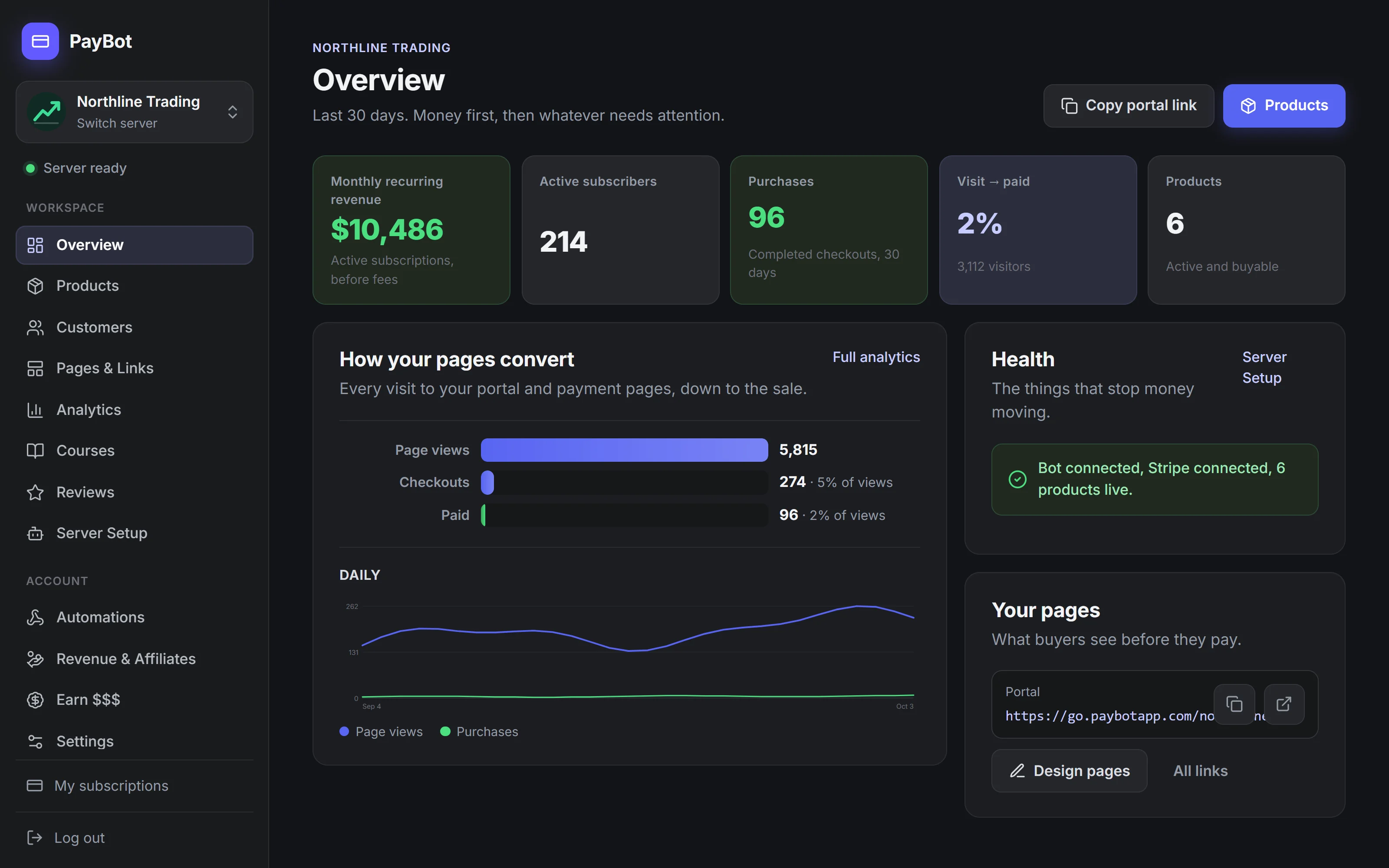

PayBot
- You own your customers
- Paid direct to your Stripe
- Proof you cannot fake
- One button in the channel
- Native Discord, no website
LaunchPass
- You own your customers
- Moderate setup
- Discord, Telegram & Slack memberships
Whop
- They own your customers
- Complex setup
- All-in-one platform for digital products
Patreon
- They own your customers
- Moderate setup
- Membership platform for creators
Subscord
- You own your customers
- Moderate setup
- Discord payments with crypto support
Gumroad
- They own your customers
- Moderate setup
- Sell digital products and memberships
The Three Questions That Decide It
Some Platforms Sit Between You and the Money
The member pays the platform. The money sits in their balance until their payout day, sometimes behind a reserve, the buyer opened a second account to get in, and the customer record carries their name. Leave, and the list stays behind.
With PayBot, the Member Pays Your Stripe
You connect Stripe to Discord once and every payment clears into your Stripe account, so there is no balance to withdraw and no payout day to wait on. The member sits on your customer list under your name. Switch tools tomorrow and every subscription, every card, every record leaves with you.
Feature Comparison
| Feature | PayBot | LaunchPass | Whop | Patreon | Subscord | Gumroad |
|---|---|---|---|---|---|---|
| Cost Before You Sell | Free | 14-day Premium trial | Free | Free | Free to 10 subs, then $39/mo | Free |
| Paid Direct to Your Stripe | Instant | ✓ | Up to 5 days | ✗ | ✓ | ✗ |
| You Own Customers | ✓ | ✓ | ✗ | ✗ | ✓ | ✗ |
| Native Discord | ✓ | Web + Discord | Whop Bot | Linking | ✓ | Partial |
| Auto Role Assignment | Instant | Yes | Yes | Yes | Instant | No roles |
| Website Required | No | No | Yes | Yes | No | Yes |
| Team Payroll | ✓ | Not listed | ✗ | ✗ | ✗ | ✗ |
| Proof the Seller Cannot Fake | ✓ | ✗ | ✗ | ✗ | ✗ | ✗ |
| Buy With One Button in Discord | ✓ | ✗ | Claim Access via Whop | ✗ | ✗ | ✗ |
| Paid Seats in Your Voice Channel | ✓ | ✗ | In-app calls, 8 cap | ✗ | ✗ | ✗ |
| Courses That Unlock a Channel | ✓ | ✗ | Separate app | ✗ | ✗ | Download only |
| Monthly Fee to Take a Payment | None | $29 after 14 days | None | None | $39 after 10 subs | None |
| Subscriber Cap | None | None | None | None | 10 / 50 / 500 | None |
| Crypto Payments | ✗ | ✓ | ✗ | ✗ | ✓ | ✗ |
What Only Shows Up on a PayBot Page
They sit on the page where the stranger decides to pay. None of the other five, LaunchPass, Whop, Patreon, Subscord, or Gumroad, has them.
Proof the Seller Cannot Fake
Reviews only from confirmed-paid members, live counts, demand figures no seller can edit. A stranger trusts what cannot be faked.
One Button in the Channel
The button sits in your channel and already knows who clicked, so the role lands when the card clears. No account to link.
Sell Seats in Your Own Voice Channel
One link sells seats to the next show, PayBot opens the door at showtime and DMs ticket holders the room. A refund pulls the seat.
Detailed Comparisons
PayBot vs LaunchPass
LaunchPass charges $29 a month from day 15, whether or not you have made a dollar, then 3.5% on top, and stops at checkout and access control. PayBot is free until you sell and keeps going: courses, reviews, funnel analytics, affiliates, team payroll, and retention tools.
PayBot vs Whop
It is Friday, a $2,000 week sits in your Whop balance, the withdrawal says five business days, and instant costs $41 on a thousand. Last month a risk score parked a quarter of it. For a month. With PayBot the sale lands in your own Stripe as it clears.
PayBot vs Patreon
A member finds you on X. They end up on patreon.com. They pledge, miss the Discord link step, and a week later DM you that they paid and have no access, while Patreon keeps 10% and the member. With PayBot they pay in your server and have the role in seconds.
PayBot vs Subscord
Eleven subscribers, and the $39 invoice lands whether anyone bought this month or not. Payments work. Roles work. Then it stops. With PayBot nothing is owed until a member pays, and it keeps going: proof on the page, a button in the channel, a room to sell.
PayBot vs Gumroad
Someone buys a $50 tier. Gumroad drops them in your server. They land with a stranger's access, so you assign the role at 11pm or pay Zapier $20 a month on top of Gumroad's 10%. With PayBot the role is on the second the payment clears, on your own Stripe.
Run Your Server Like the Business It Already Is
Run the server on your own Stripe, with the member on your list and the money in your Stripe the moment a sale clears. You pay only when you sell, nothing before. Add PayBot free.