PayBot made Stripe easy. Now it makes Discord easy.
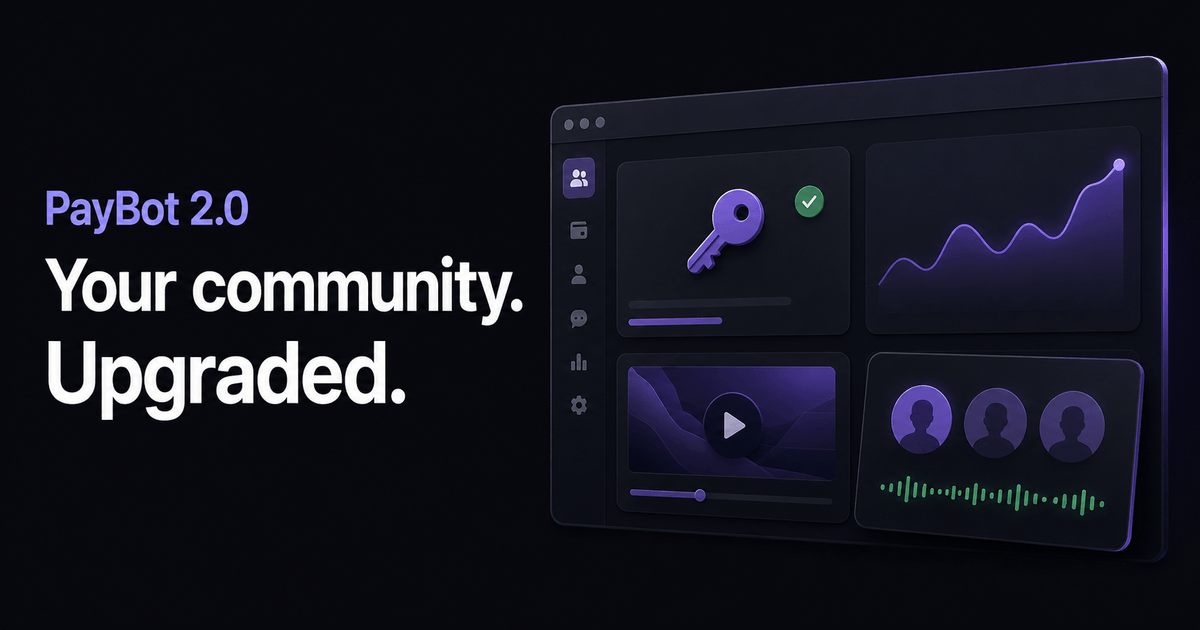
PayBot 2.0 brings a web dashboard to your paid community. You can manage the business from a friendly interface, with the work laid out in front of you. You don’t need to learn bot commands or hunt through Discord settings to get a product ready to sell.
Start with what you’re offering. Create a product, make or assign its Discord roles, and set the channel access that comes with it. That happens inside the product workflow. Copy your payment link, and you’re ready to start selling.
Courses are a big part of PayBot 2.0. If you’ve spent years learning something, you need a way to teach it that people can work through. A course gives that knowledge a structure. Your community gives members somewhere to discuss it, ask questions, and keep learning together. You can build both around the same subject, with the course and the conversation supporting each other.
The dashboard also brings analytics, automations, and member reviews into the picture. Analytics help you understand your community and business. Automations reduce repeated work as you run it. Reviews give members a way to share their experience with people considering joining. These are practical tools for the work that continues after your first sale.
Discord is where I want that community to live. Its voice rooms make it easy to talk. Live conversations give people a reason to participate, and the mobile experience keeps the community close throughout the day. Discord makes it easy to come back daily. PayBot gives you the creator tools to make the community worth returning to.
Sign in to PayBot using Discord. Pick your server, add PayBot, and connect Stripe from the dashboard. Then create your first product.