
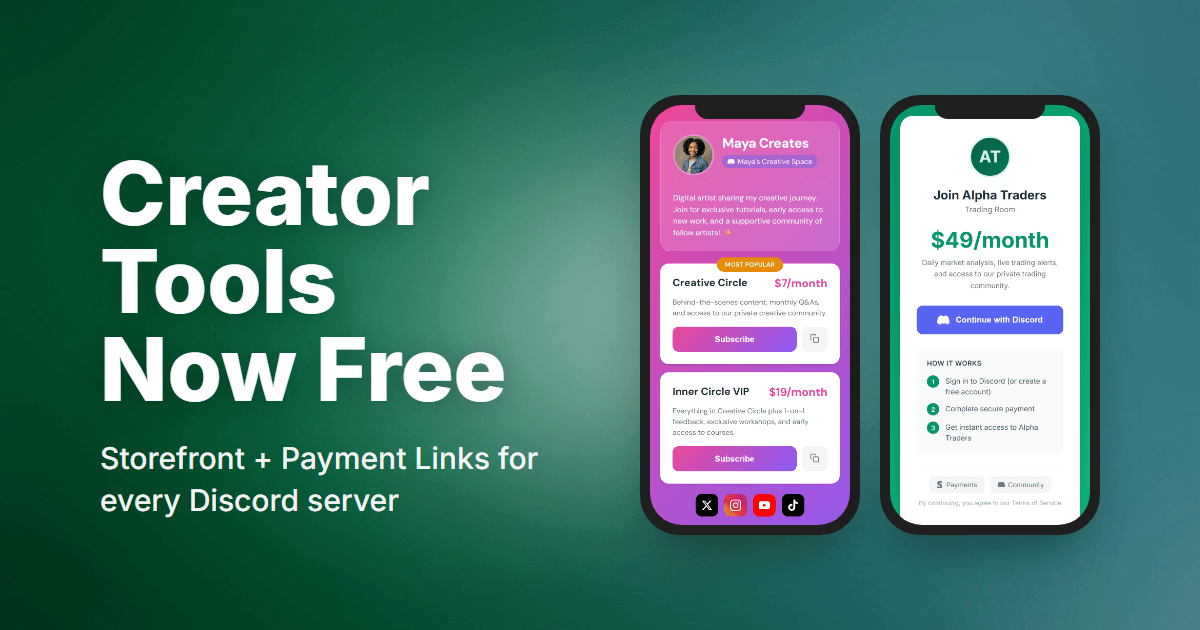
Pricing update (June 2026): PayBot is now free to install and use—no plans, no subscriber caps, no trial clock. You only pay 3% when your community actually makes a sale. Storefronts and payment links are included for everyone. See current pricing.
We built PayBot to help Discord creators earn money. But we realized something was backwards: you had to pay us before you could even try the tools that help you get paid.
That changes today. Storefront pages and payment links are now free for everyone.
What’s Now Free
Your Storefront (Link in Bio)
Create a professional landing page for your community. One link you can share anywhere:
- Custom header with your profile picture or server icon
- Bio text to introduce yourself
- Social links (YouTube, Twitter, TikTok, etc.)
- All your pricing tiers with descriptions
- Badges like “Most Popular” to guide buyers
- Mobile-optimized - looks great when fans click from Instagram or TikTok
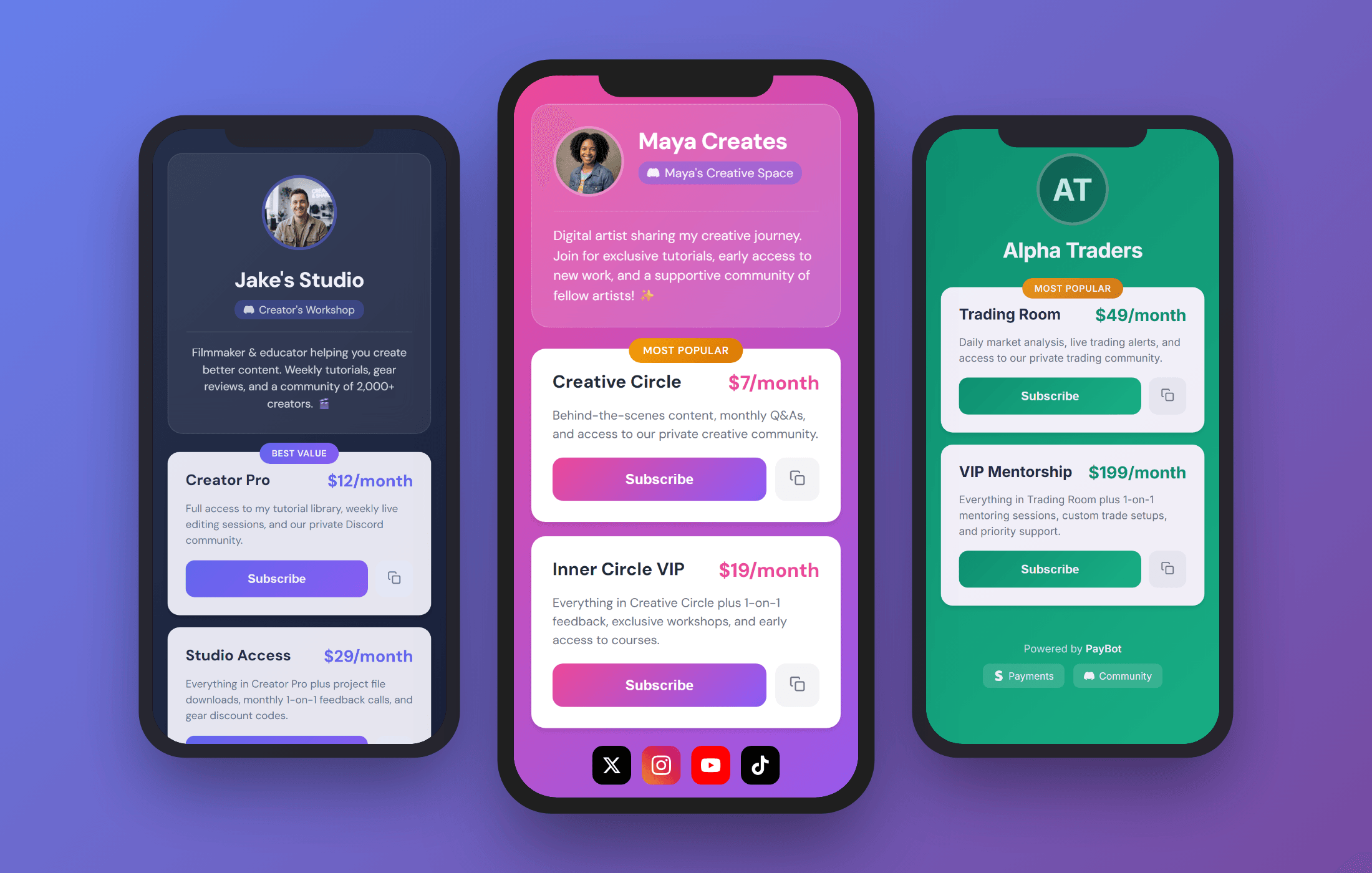
Put pybt.me/yourname in your bio, and anyone who taps it sees exactly what you offer and how to join.
Payment Links
Share checkout URLs anywhere you have an audience:
- YouTube descriptions - “Join my Discord: [link]”
- Twitter/X bio - One link, instant access
- TikTok - Link in bio that actually converts
- Your website - Embed or link directly
- Email newsletters - Direct path to subscribe
Someone clicks your payment link → signs in with Discord → pays with Stripe → lands in your server with their role automatically.
Mobile-first checkout means subscribers sign up in seconds, not minutes.
Why We Made This Free
The old logic was: “Gate features to encourage upgrades.”
The better logic: “Let creators use the tools. When they succeed, they’ll upgrade.”
If you can’t share payment links, how do you get subscribers? If you can’t show your pricing page, how do people know what you offer?
We want you to succeed. Now you have everything you need to start.
How Pricing Works
There’s no subscriber cap and no plan to upgrade to. Add the bot, connect your Stripe, and use everything—storefront, payment links, subscriptions, automatic roles—free.
PayBot keeps 3% of each sale, only when your community actually makes one. While you’re setting up or finding your first members, you pay nothing. Once the sales start, we earn alongside you.
We only win when you win.
Get Started
- Add PayBot to your server and open your PayBot dashboard (or run
/setupin Discord) - Connect your Stripe account (one click)
- Create your first pricing tier
- Open Pages & Links to customize your storefront
- Copy your checkout URLs from Pages & Links
- Share everywhere
Your storefront is live immediately. No waiting, no approval, no credit card.
Starting from zero? The paid Discord server guide walks through the whole build — server structure, tiers, and pricing by niche.
Questions? Contact support or check the docs.
See all features: Discord Payment Bot overview