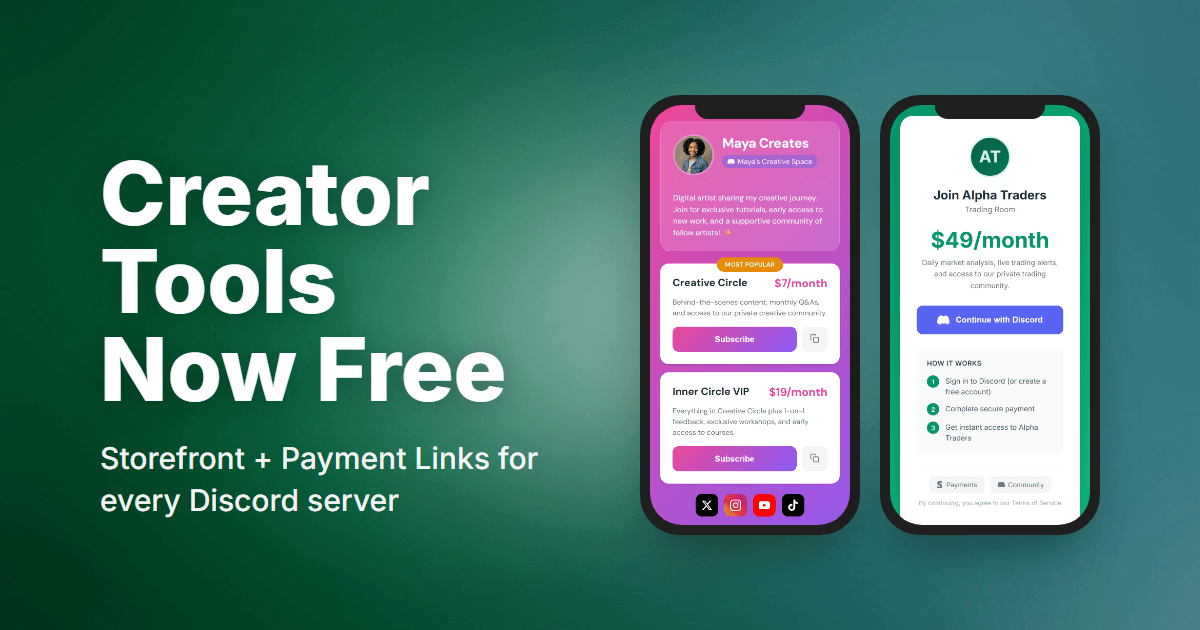
We built PayBot to help Discord creators earn money. But we realized something was backwards: you had to pay us before you could even try the tools that help you get paid.
That changes today. Storefront pages and payment links are now free for everyone.
What’s Now Free
Your Storefront (Link in Bio)
Create a professional landing page for your community. One link you can share anywhere:
- Custom header with your profile picture or server icon
- Bio text to introduce yourself
- Social links (YouTube, Twitter, TikTok, etc.)
- All your pricing tiers with descriptions
- “Most Popular” badges to guide buyers
- Mobile-optimized - looks great when fans click from Instagram or TikTok
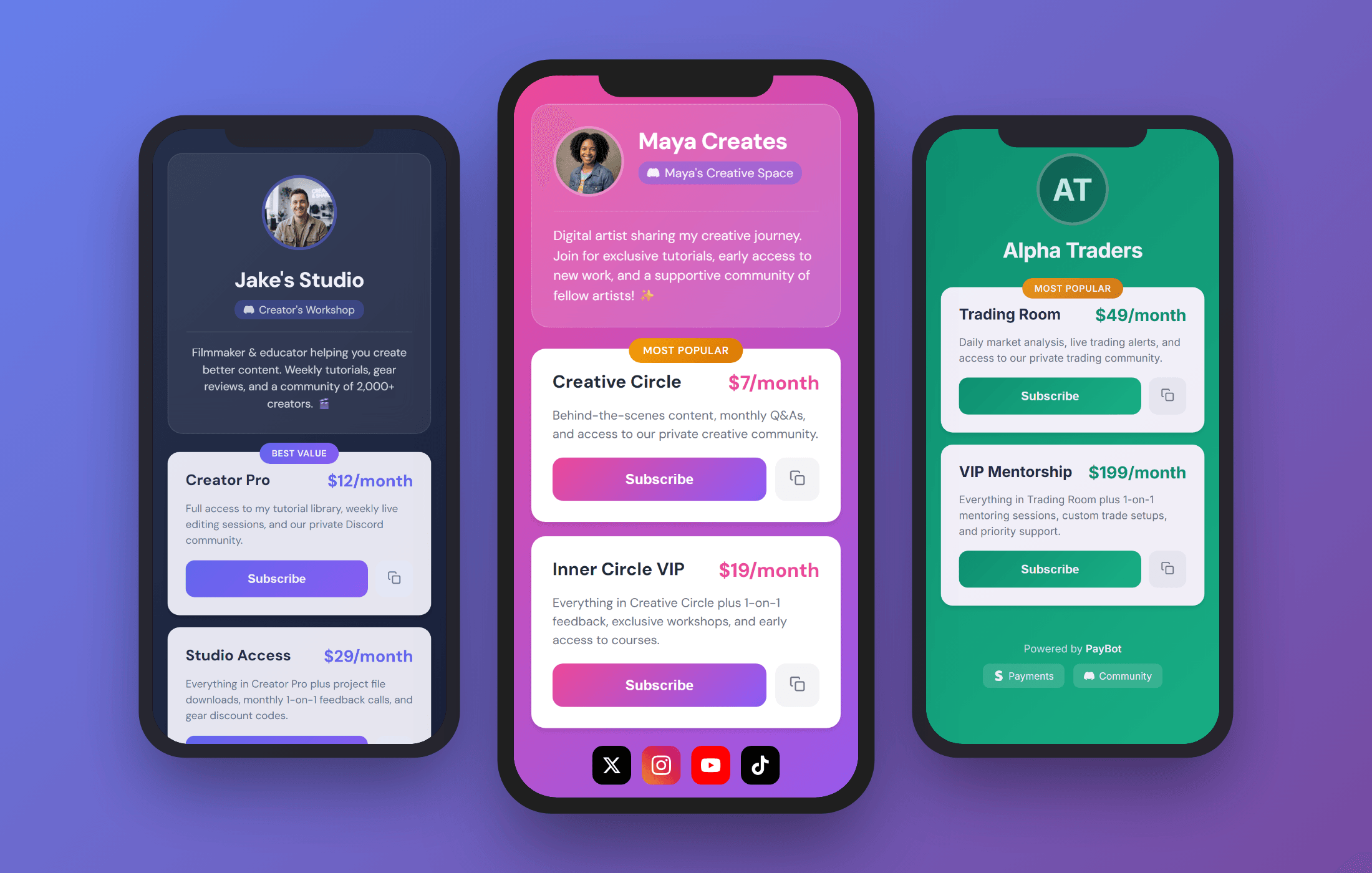
Put pybt.me/yourname in your bio, and anyone who taps it sees exactly what you offer and how to join.
Payment Links
Share checkout URLs anywhere you have an audience:
- YouTube descriptions - “Join my Discord: [link]”
- Twitter/X bio - One link, instant access
- TikTok - Link in bio that actually converts
- Your website - Embed or link directly
- Email newsletters - Direct path to subscribe
Someone clicks your payment link → pays with Stripe → gets an email with your Discord invite → joins and gets their role automatically.
Mobile-first checkout means subscribers sign up in seconds, not minutes.
Why We Made This Free
The old logic was: “Gate features to encourage upgrades.”
The better logic: “Let creators use the tools. When they succeed, they’ll upgrade.”
If you can’t share payment links, how do you get subscribers? If you can’t show your pricing page, how do people know what you offer?
We want you to succeed. Now you have everything you need to start.
How Limits Work
Your free plan includes 3 paying subscribers. That’s enough to:
- Test your entire setup end-to-end
- Get your first real subscribers
- Prove the concept works for your community
When you hit 3 subscribers, you’ll get a friendly reminder to upgrade. The Small plan ($9/month) gives you 50 subscribers - and by then, you’re already making money.
We only win when you win.
Get Started
- Run
/setupin your Discord server - Connect your Stripe account (one click)
- Create your first pricing tier
- Select Link in Bio to customize your storefront
- Select Payment Links to copy your checkout URLs
- Share everywhere
Your storefront is live immediately. No waiting, no approval, no credit card.
Questions? Join our support server or check the docs.
See all features: Discord Payment Bot overview