Make Money From Your Discord Server
Stripe-powered subscriptions with zero platform fees. Set up in minutes.

Trusted by Discord Communities
"A game-changer for our daytrading Discord server. We use PayBot to manage onboarding, cancellations, and role assignments for over 150 clients. Given our high turnover rate, handling this manually would require a massive amount of time and effort. PayBot completely automates this process, allowing us to focus on our community rather than admin work. It integrates flawlessly with our payment gateway and checkout process. Their customer support is fantastic — they are always open to suggestions and implement new features incredibly fast. Finding this solution was a total success. Highly recommended!"
Read more"PayBot simplified our entire subscription process. We set it up in minutes and now manage over 200 premium members effortlessly."
"The tier grouping feature has increased our revenue by 40%. Members can easily upgrade their subscriptions without any friction."
"Our members love how easy it is to subscribe. The seamless role assignment and checkout process has boosted our conversion rate significantly."
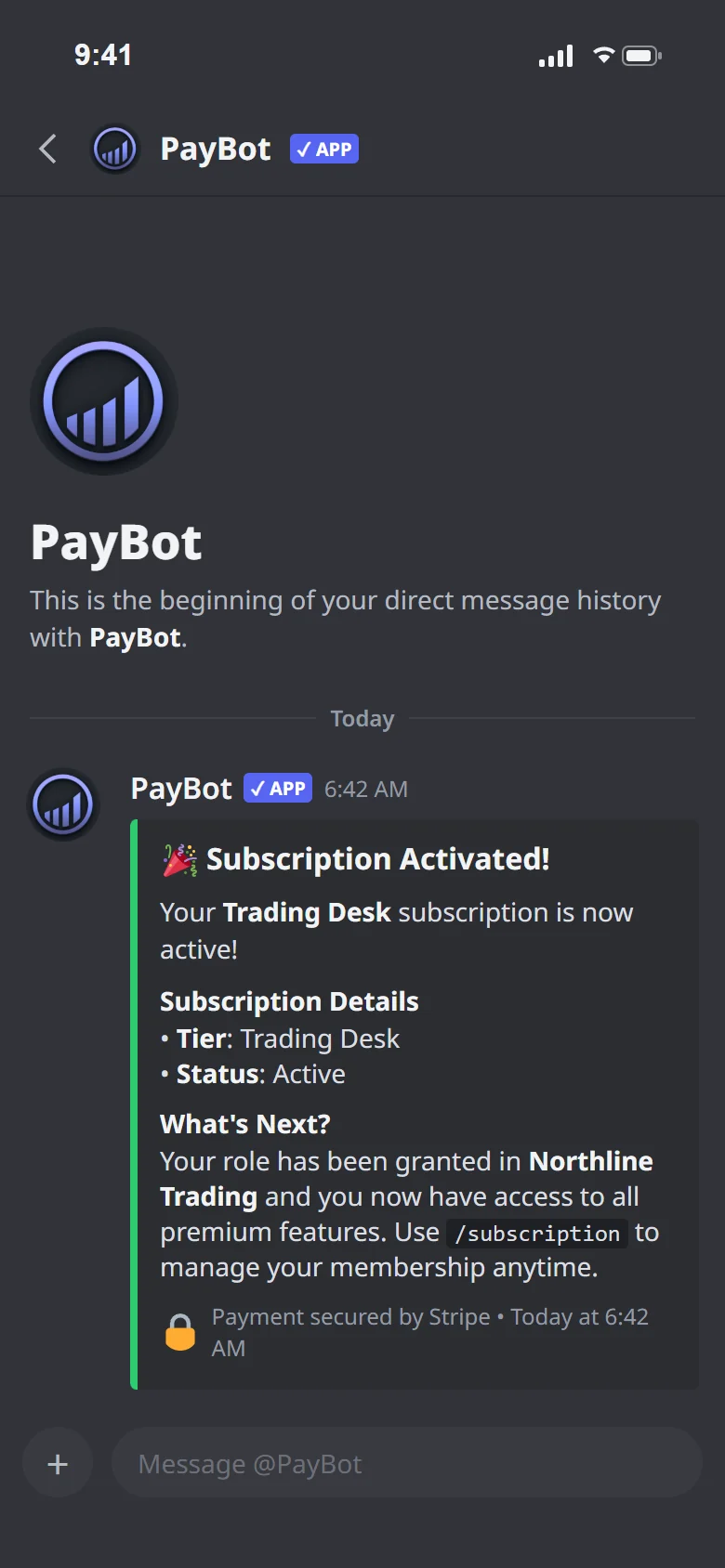
"PayBot has allowed me to effortlessly grow my Discord business. Setup took maybe five minutes, Stripe connected, tiers created, done. The welcome DM is huge for me because new subscribers get my course materials automatically the second they join. And the payment links let me sell memberships directly from my website and social media. If they aren't on Discord, they get the server invite link sent to their email. Works perfectly."
Read moreHow PayBot Works
PayBot is a Discord payment bot that connects directly to Stripe. Our Stripe Discord integration handles subscriptions, payments, and role assignments automatically — add it to your server, connect Stripe, and start accepting payments in under 5 minutes.

Connect your Stripe
Use /setup to securely connect your Stripe account with one click.

Create Stripe products
Set up subscriptions, prices, and roles - all from Discord commands.

Start earning
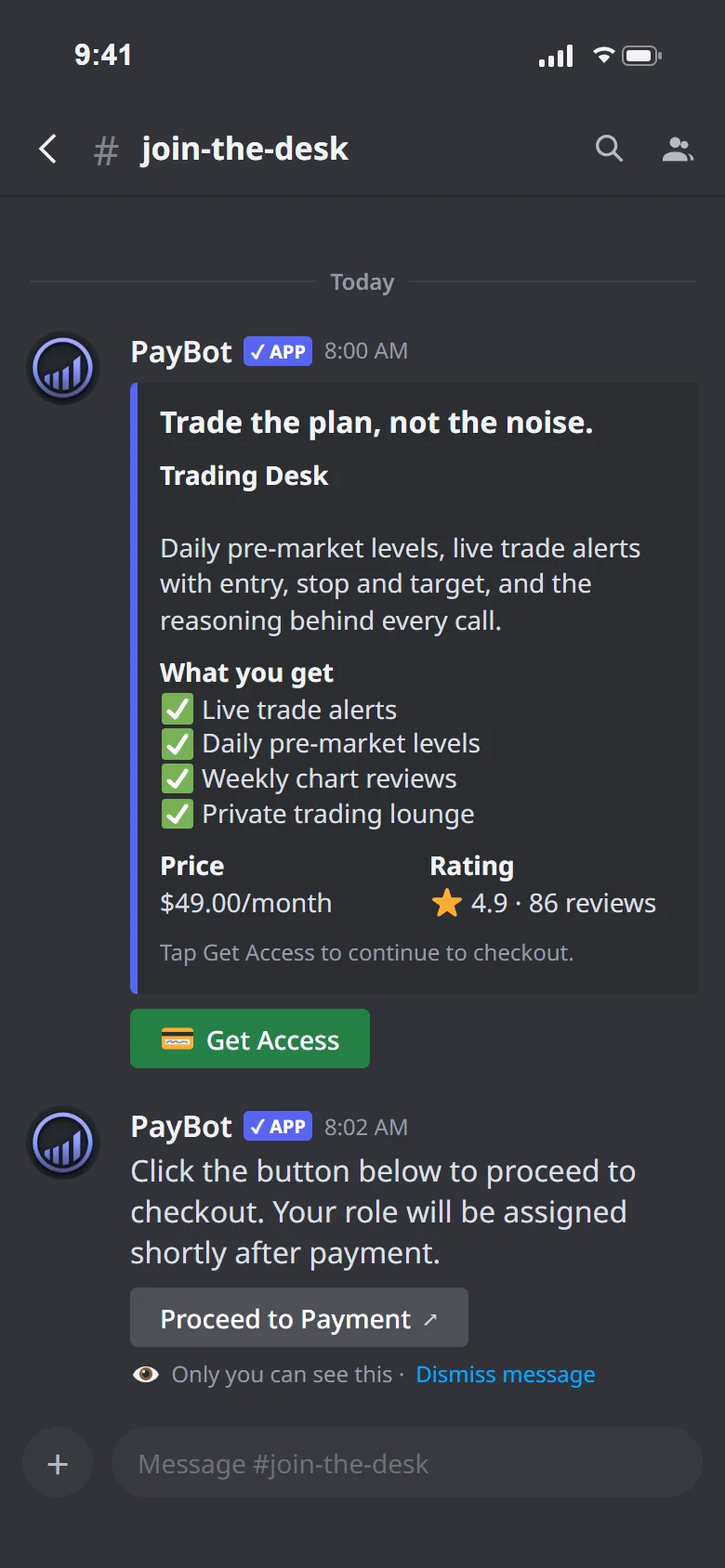
Share your payment link. Members pay and get access instantly.
Create Stripe subscriptions without touching Stripe
No products to configure. No prices to set up. No webhooks to manage. Just tell our Discord subscription bot what to sell and it handles everything in Stripe automatically.
- Products created instantly from Discord
- Prices and billing intervals set with one command
- Checkout pages generated automatically
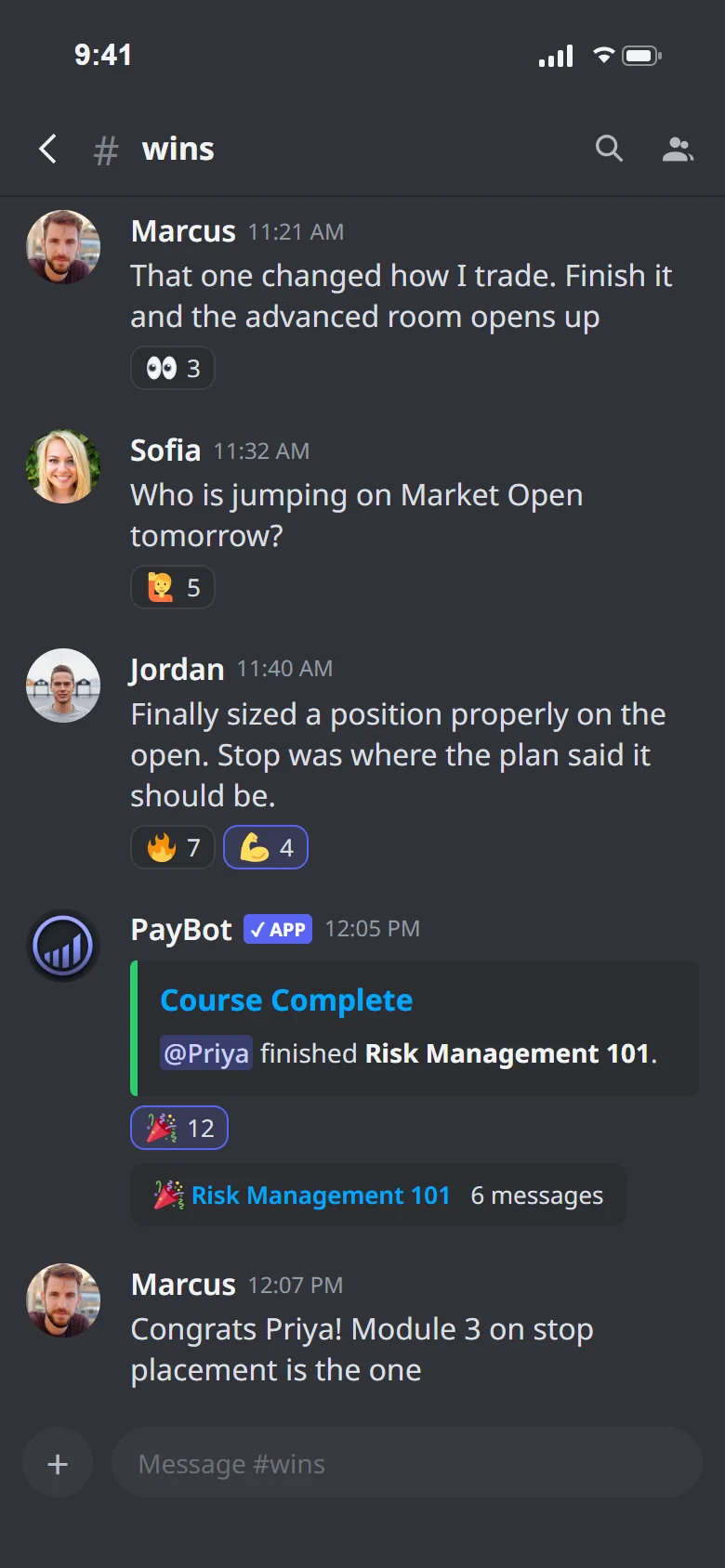
- Roles assigned the moment payment clears

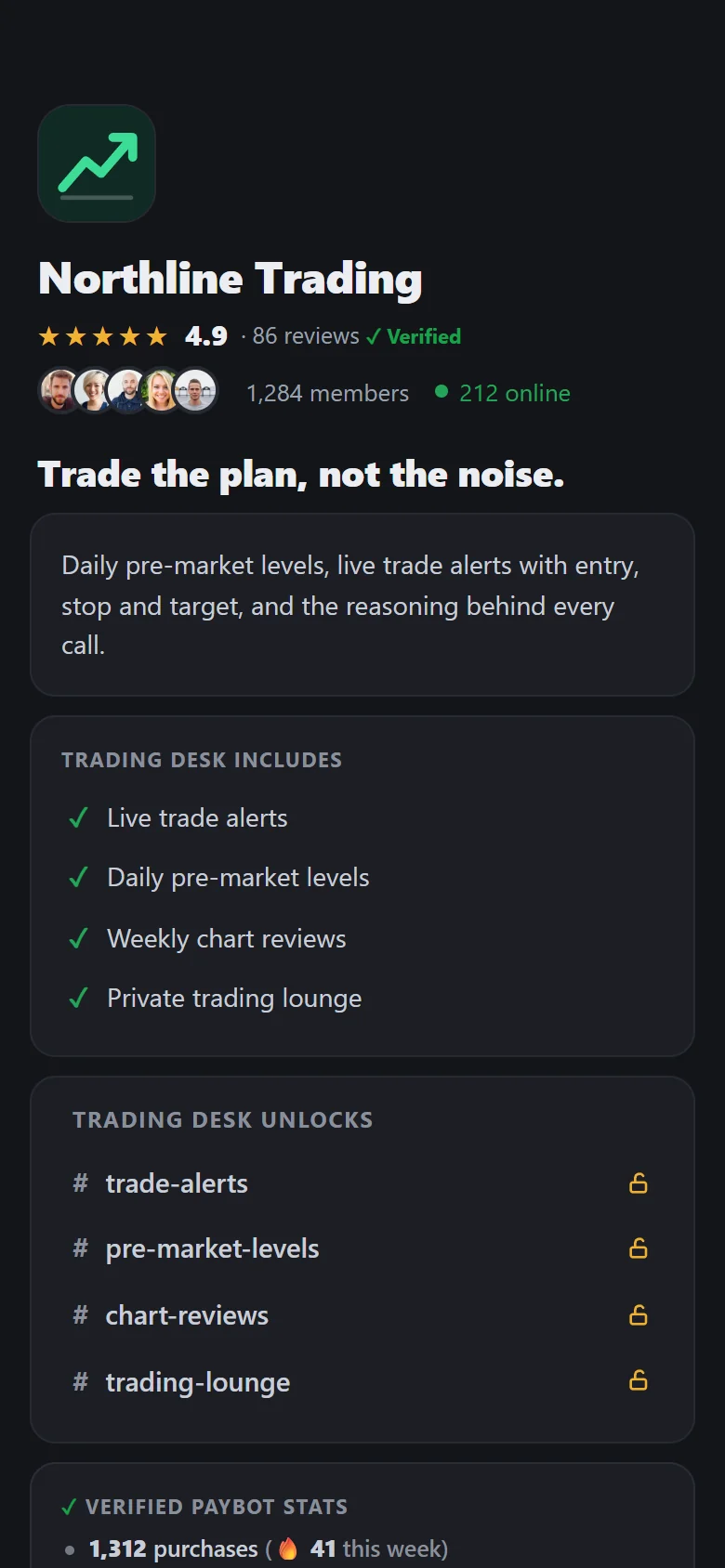
Your own branded storefront
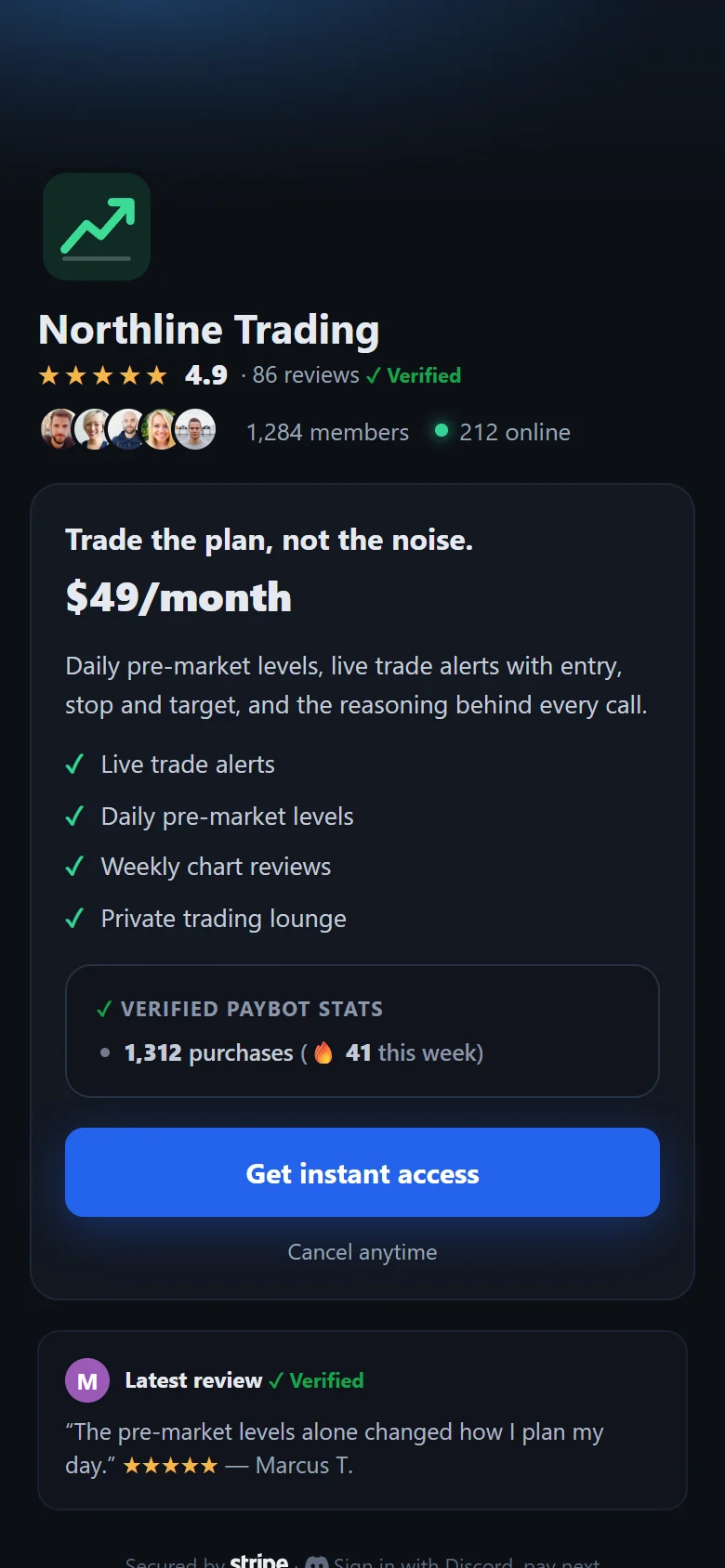
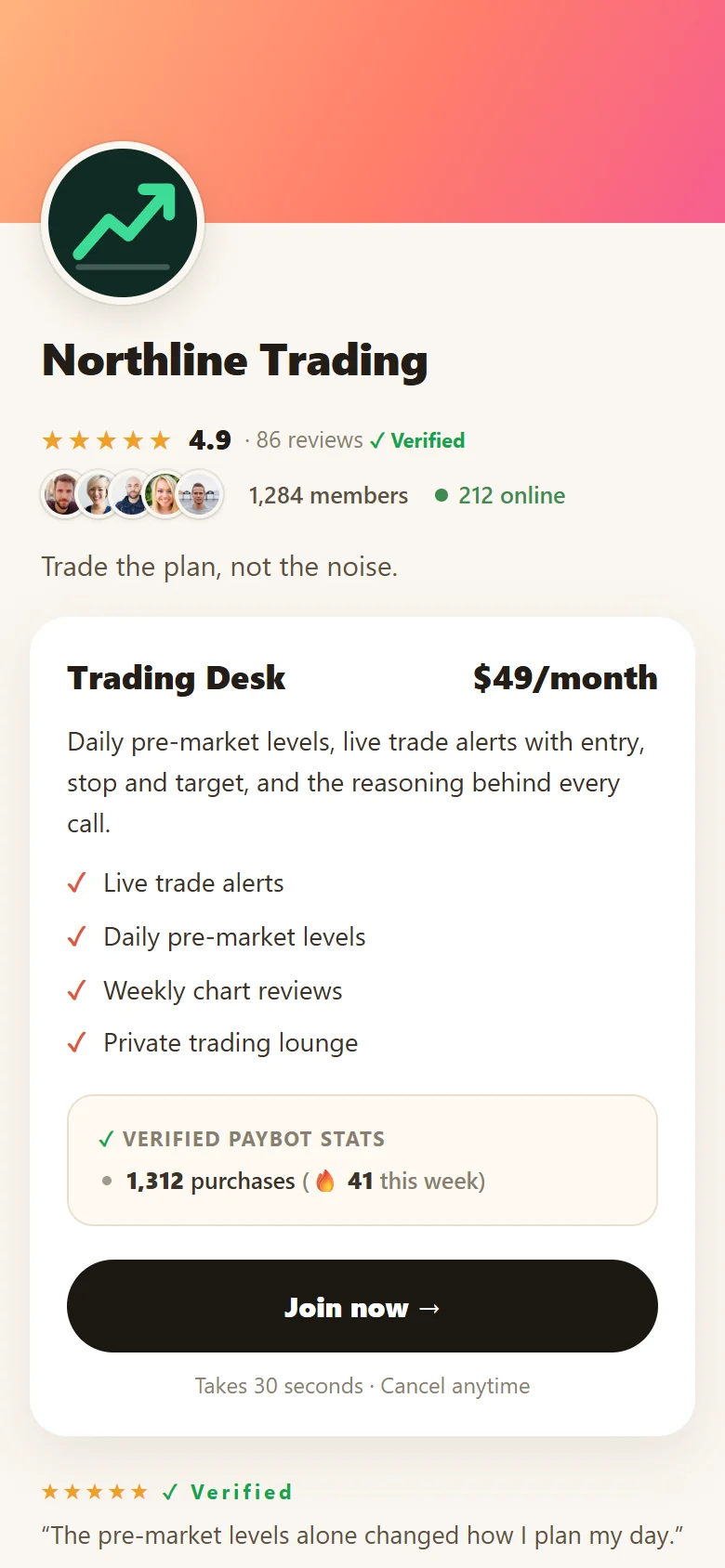
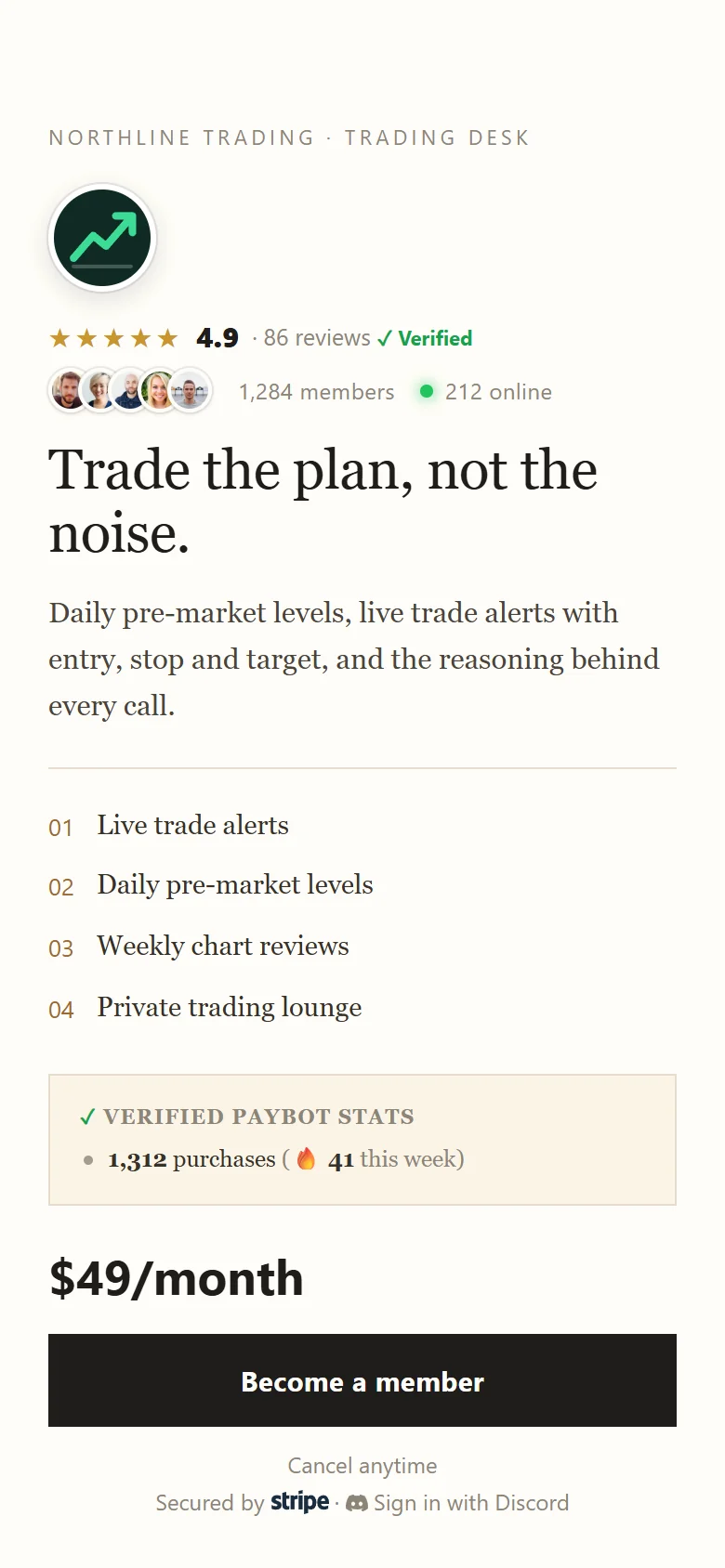
Create a beautiful link-in-bio style checkout page. Share it anywhere — social media, YouTube, newsletters.
- 8 color themes to match your brand
- Custom URLs like
go.paybotapp.com/yourname - Add bio, social links, and multiple pricing tiers
- "Most Popular" badges to guide buyers
- Works on any device - mobile optimized

Your Payment Page
Secure CheckoutSell to anyone — even non-Discord users
Your followers don't need an existing Discord account. They create one during checkout, then get an invite link to your server. The bot recognizes them and assigns their role instantly.
- No existing Discord account required
- Create Discord account during checkout
- Auto-email with server invite after payment
- Bot assigns roles the moment they join
Keep 100% of your revenue
Other platforms charge 5-10% on top of Stripe. PayBot charges zero platform fees - you only pay Stripe's standard rate.
- No percentage cut of your earnings
- No hidden fees or surcharges
- Direct deposit to your Stripe account
- Transparent pricing - what you see is what you pay

Simple, transparent pricing
Start for free, upgrade as your community grows
Free
Test drive with up to 3 subscribers
- 3 subscribers
- Subscriber management
- Storefront (Link in Bio)
- Payment links
- Tier groups & upgrades
- Onboarding DMs
- Auto-email Discord invite
- Automatic role assignment
- Stripe subscriber migration
Small
For communities ready to grow
- 25 subscribers
- Automations (Zapier/Make)
- Analytics dashboard
- Subscriber management
- Storefront (Link in Bio)
- Payment links
- Tier groups & upgrades
- Onboarding DMs
- Auto-email Discord invite
- Automatic role assignment
Medium
For growing communities
- 100 subscribers
- Affiliate program
- Automations (Zapier/Make)
- Analytics dashboard
- Subscriber management
- Storefront (Link in Bio)
- Payment links
- Tier groups & upgrades
- Onboarding DMs
- Auto-email Discord invite
- Automatic role assignment
Large
For established communities
- 500 subscribers
- One-time payments
- Subscriber management
- Analytics dashboard
- Automations (Zapier/Make)
- Storefront (Link in Bio)
- Payment links
- Tier groups & upgrades
- Onboarding DMs
- Auto-email Discord invite
- Automatic role assignment
Ultra
For massive communities at scale
- Unlimited subscribers
- Employee management
- Priority support
- Custom feature requests
- One-time payments
- Affiliate program
- Subscriber management
- Analytics dashboard
- Automations (Zapier/Make)
- Storefront (Link in Bio)
- Payment links
- Tier groups & upgrades
- Onboarding DMs
- Auto-email Discord invite
- Automatic role assignment
No additional transaction fees beyond Stripe.
Need expert help setting up?
Don't let technical hurdles stop you from earning. Book a free strategy call to get a custom monetization roadmap.
- ✅ Server Setup Audit
- ✅ Paid Membership Strategy
- ✅ Launch Checklist
Frequently asked questions
Everything you need to know about PayBot
Is PayBot free to use?
PayBot offers a free tier with limited subscribers and basic features. You can upgrade to paid plans as your community grows. Learn more about our Discord subscription bot.
How do I receive payments?
Payments are processed through your own Stripe account and deposited directly to your bank account according to your Stripe payout schedule. See how our Stripe Discord integration works.
What happens if I disconnect my Stripe account?
Your membership configurations are preserved and can be restored if you reconnect the same Stripe account.
Can I offer free trials?
Free trials can be configured through your Stripe account settings.
How do users cancel their subscription?
Users can cancel by using the /subscription command and clicking the "Cancel Subscription" button.
Is my payment information secure?
Yes, all payment processing is handled by Stripe, a PCI-compliant payment processor. See how our Discord payment bot works.
Ready to monetize your Discord server?
Start accepting subscriptions in minutes, not days.