A Paid Discord Community That Runs Itself
Payments land in your Stripe the moment they clear. Roles update automatically. Members DM the bot for help.
Free to start. Just 3% when you make a sale.

Trusted by Discord Communities
"A game-changer for our daytrading Discord server. We use PayBot to manage onboarding, cancellations, and role assignments for over 150 clients. Given our high turnover rate, handling this manually would require a massive amount of time and effort. PayBot completely automates this process, allowing us to focus on our community rather than admin work. It integrates flawlessly with our payment gateway and checkout process. Their customer support is fantastic — they are always open to suggestions and implement new features incredibly fast. Finding this solution was a total success. Highly recommended!"
Read more"PayBot simplified our entire subscription process. We set it up in minutes and now manage over 200 premium members effortlessly."
"The tier grouping feature has increased our revenue by 40%. Members can easily upgrade their subscriptions without any friction."
"Our members love how easy it is to subscribe. The seamless role assignment and checkout process has boosted our conversion rate significantly."
"PayBot has allowed me to effortlessly grow my Discord business. Setup took maybe five minutes, Stripe connected, tiers created, done. The welcome DM is huge for me because new subscribers get my course materials automatically the second they join. And the payment links let me sell memberships directly from my website and social media. If they aren't on Discord, they get the server invite link sent to their email. Works perfectly."
Read moreRunning a paid community shouldn't mean running a help desk
You sell access. But half your day is spent matching payments to usernames, chasing cancelled members out of channels, and answering the same DM: "I paid, where's my access?" That's a second job.
- Someone paid at 2am. You're still hunting their username.
- Cancelled last week, still reading your premium channels.
- Payment came from one email. Discord joined from another.
- Your money sitting in someone else's account for 5 business days.

How PayBot Works
PayBot is a Discord payment bot built on your own Stripe account. Every subscription, payment, and role assignment runs through this Stripe Discord integration automatically. Connect Stripe and go live in under 5 minutes.

Connect your Stripe
Use /setup to securely connect your Stripe account with one click.

Create Stripe products
Set up subscriptions, prices, and roles - all from Discord commands.

Start earning
Share your payment link. Members pay and get access instantly.
Create Stripe subscriptions without touching Stripe
No products to configure. No prices to set up. No webhooks to manage. Just tell our Discord subscription bot what to sell and it handles everything in Stripe automatically.
- Products created instantly from Discord
- Prices and billing intervals set with one command
- Checkout pages generated automatically
- Roles assigned the moment payment clears

Your storefront, your URL, always open
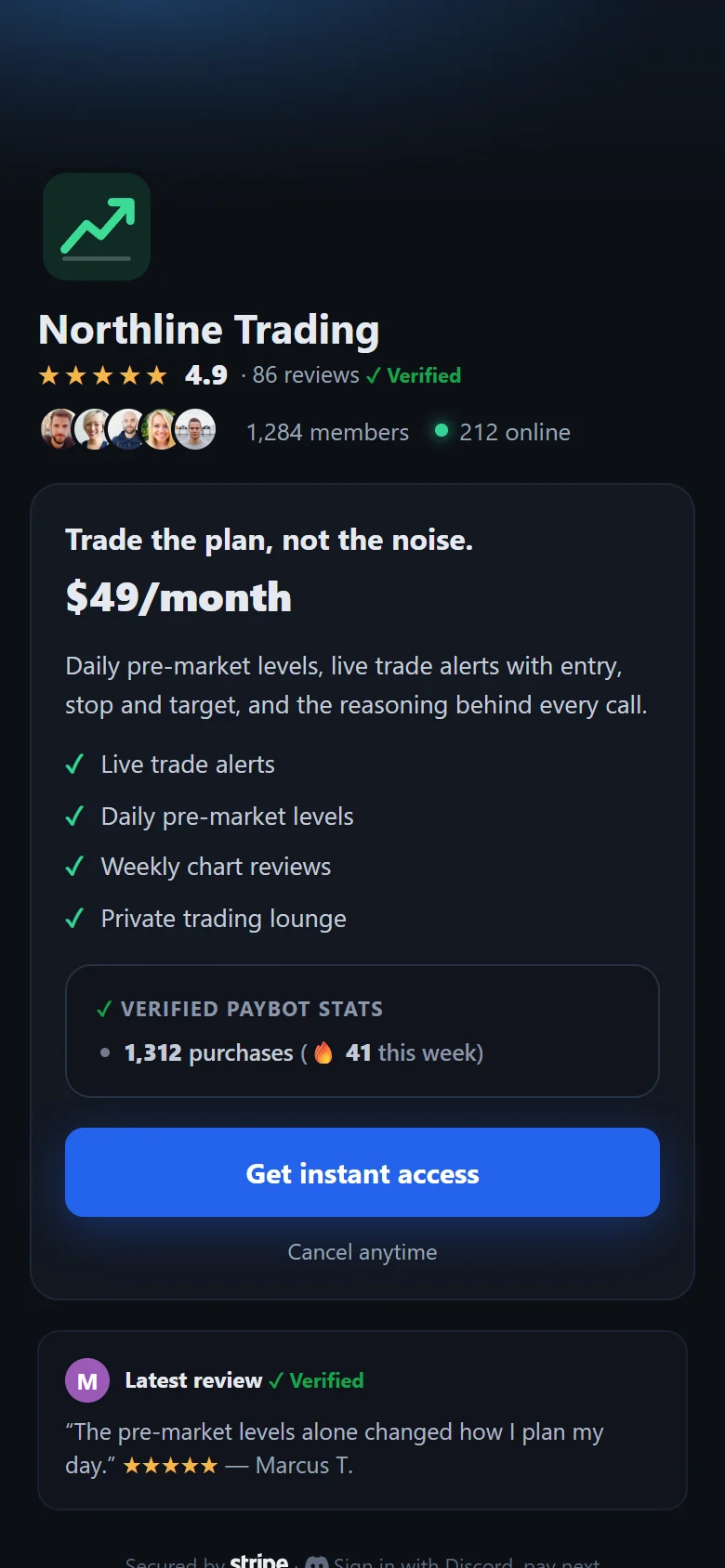
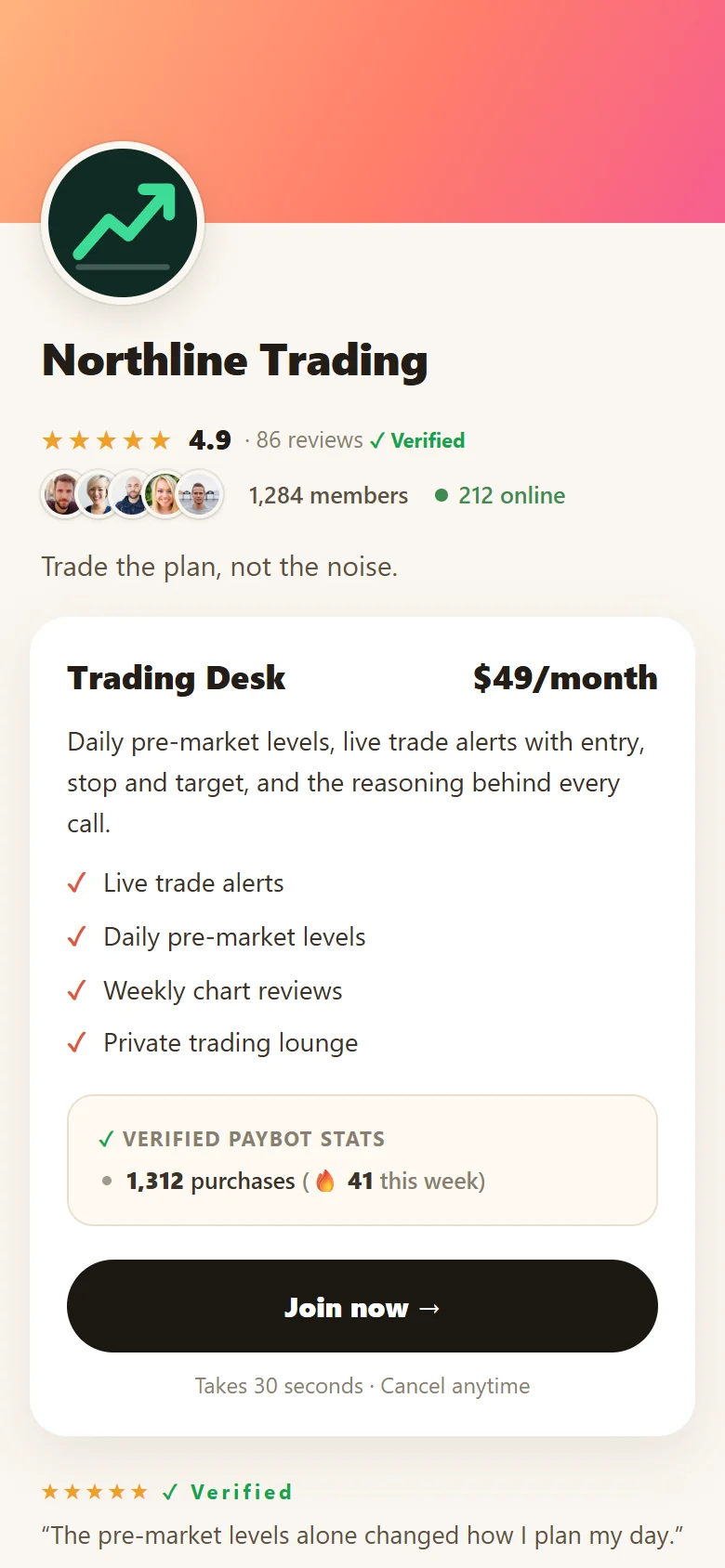
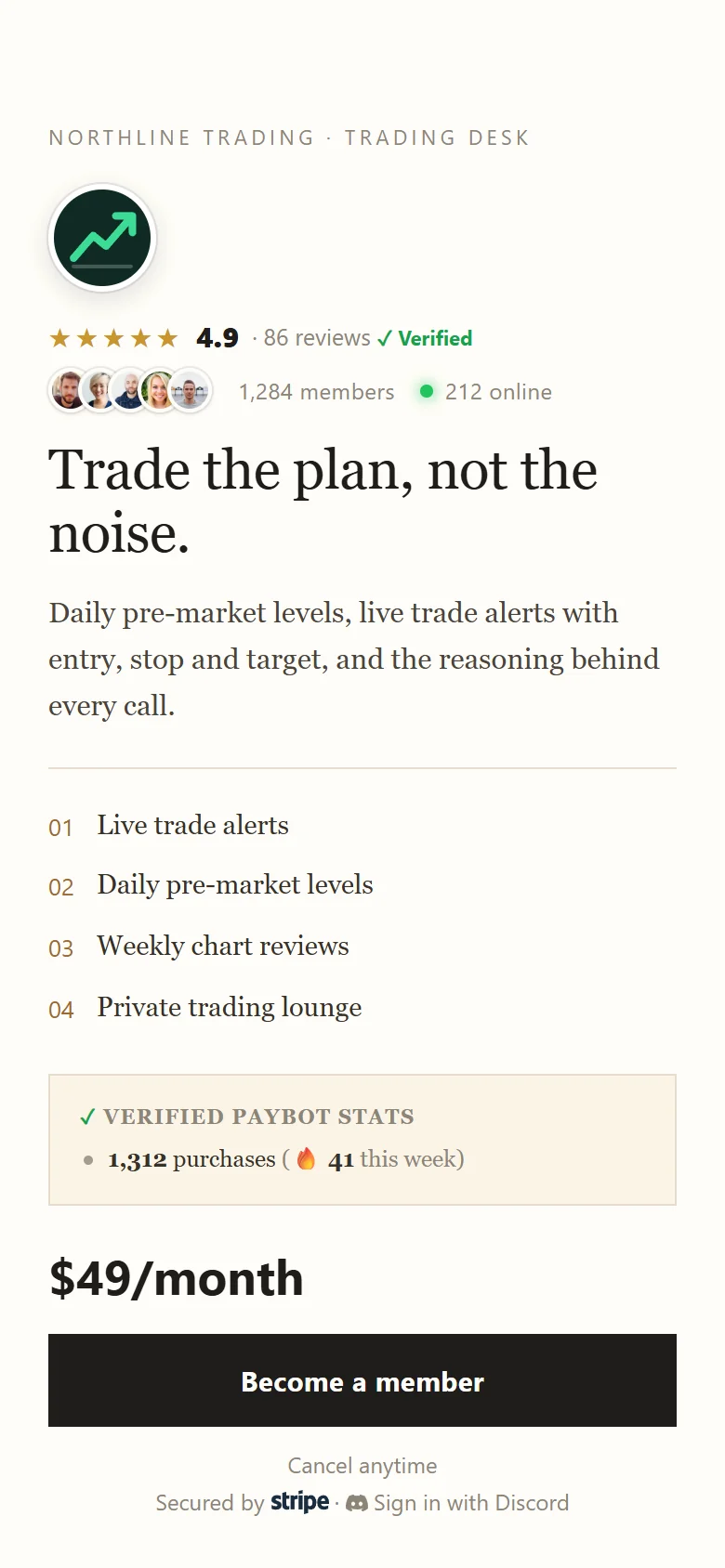
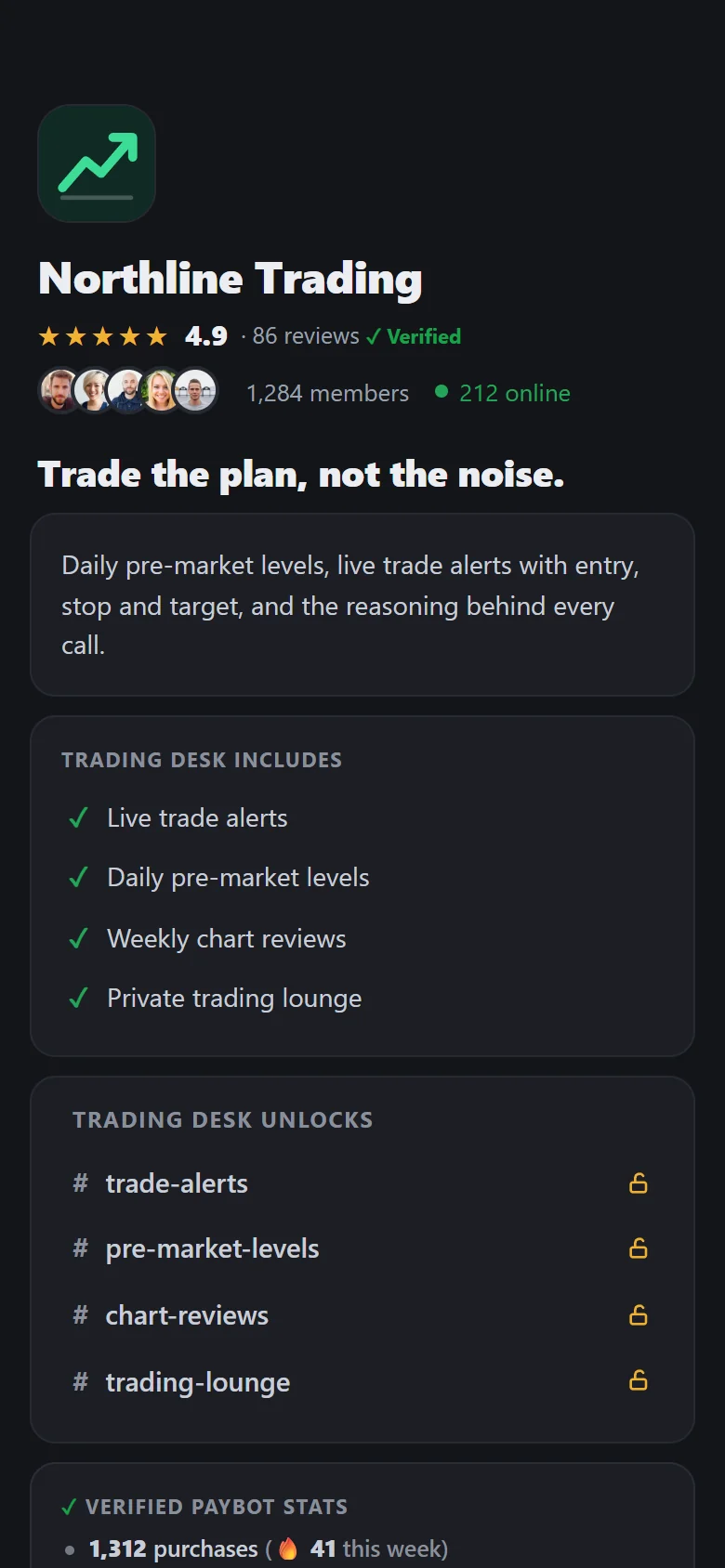
A link-in-bio checkout page built to your brand. Pick a theme, set your tiers, drop the link anywhere. Members buy from any device.
- 8 color themes to match your brand
- Custom URLs like
go.paybotapp.com/yourname - Add bio, social links, and multiple pricing tiers
- "Most Popular" badges to guide buyers
- Works on any device - mobile optimized

Your Payment Page
Secure CheckoutSell from anywhere. The server fills itself.
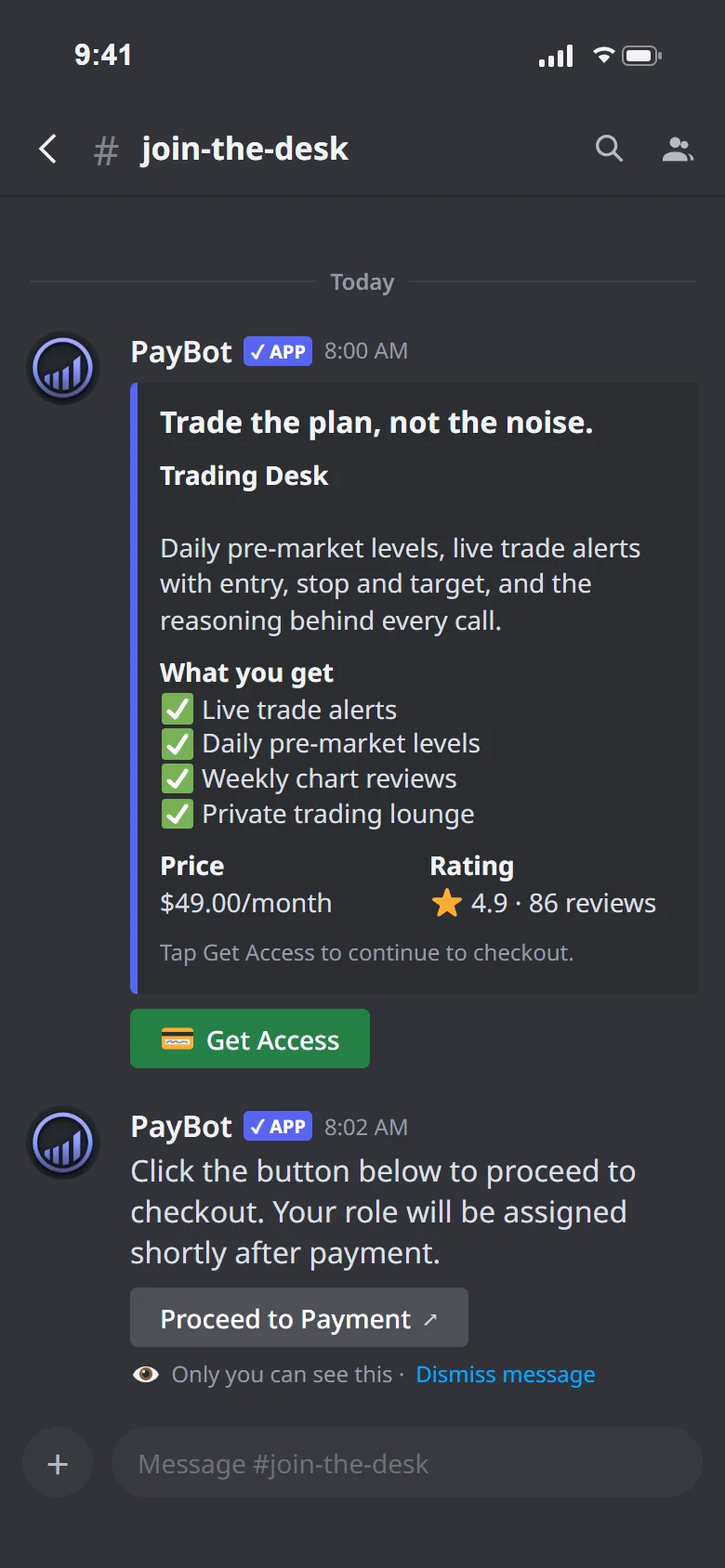
Drop a payment link in your bio, a tweet, a video description. Buyers who don't have Discord create an account during checkout, get an invite by email, and receive their role the moment they join.
- No existing Discord account required
- Create Discord account during checkout
- Auto-email with server invite after payment
- Bot assigns roles the moment they join
Courses built from your server
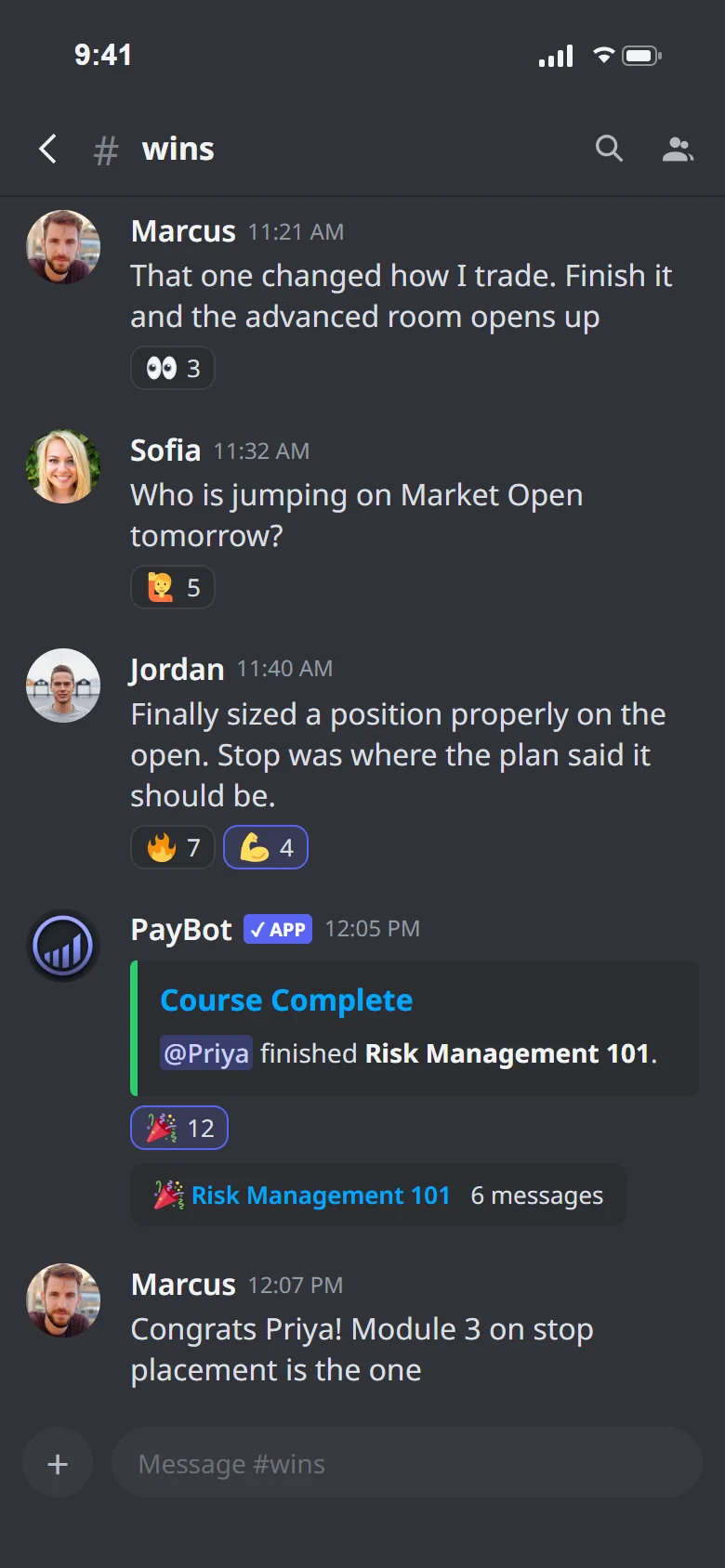
Create modules with /courses-admin right inside Discord. Members take them on a branded web page. Completions unlock roles and new access, and every milestone posts to your server's feed.
- Build modules with text, video, links, and images, all from Discord
- Completions grant a role, unlock channels, add a name tag
- Progress visible live in your feed channel
- Per-server API so your AI agent can build courses for you

Retention is revenue defended
Members open their own interest channels with /groups. Events announce themselves and fill seats. Voice rooms ping the server when the first person joins. A quiet server churns. Yours stays alive.
Member-Created Private Channels
Members spin up their own opt-in interest groups with /groups. Rules-gated joining. Weekly auto-bulletin keeps niche groups visible.
Auto Event Announcements
/events auto-announces your Discord scheduled events at intervals you set. 24h before, 1h before, at start. Members actually show up.
Voice Channel First-Member Alerts
/monitor posts a heads-up when the first person hops into a voice channel. Coworking, cafes, trading rooms stay alive.

Support happens where your members already are
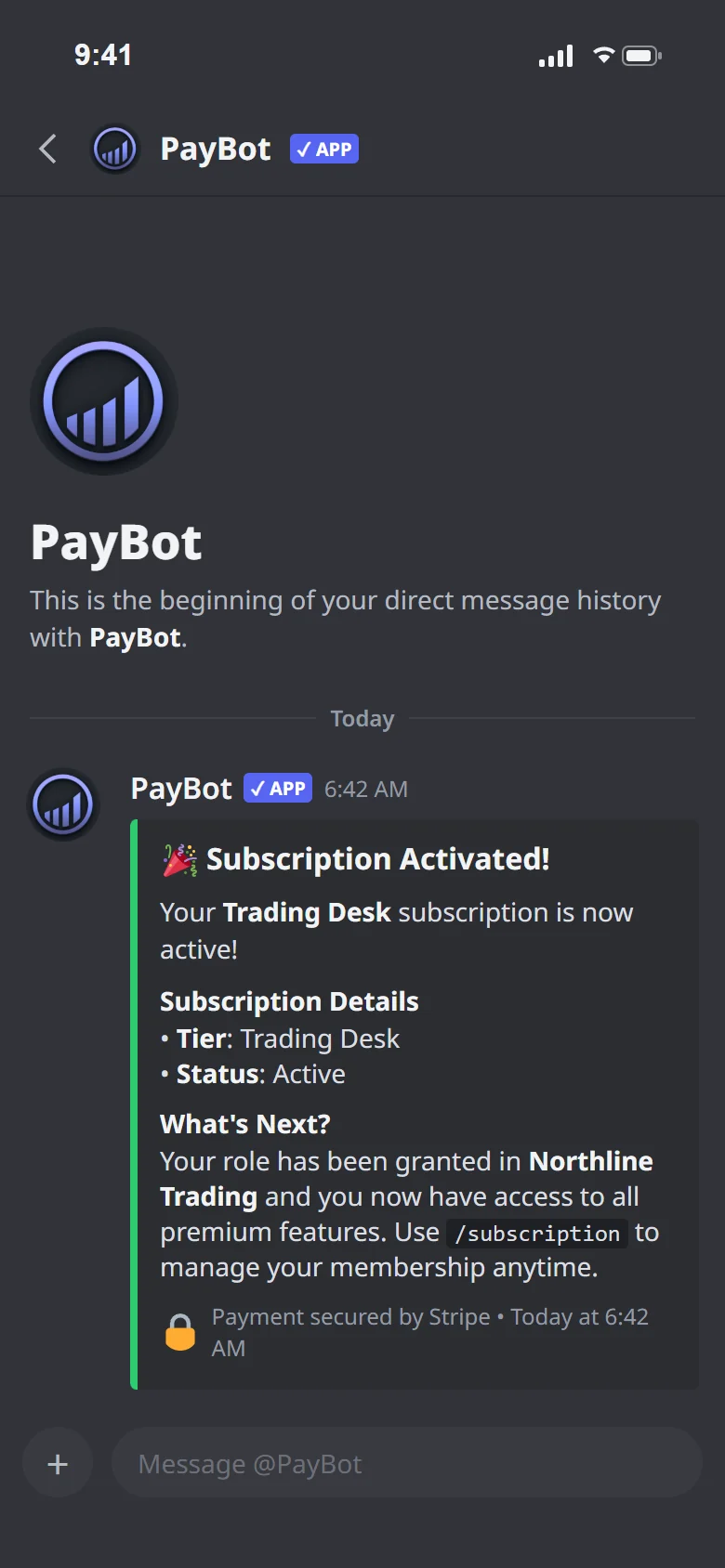
PayBot sits inside your server as a member. Your people check their plan, cancel, or ask a billing question right in Discord. No one files a ticket with a platform that has never seen your community.
/subscriptionshows their plan instantly- Cancel is a button click inside Discord
- Billing questions handled in a DM to the bot
- Members never leave Discord to get help
Professionals own their revenue
Other platforms collect your revenue into their accounts and pay you later, on their schedule. PayBot runs on your Stripe. Sales hit your balance instantly. The customer relationship belongs to you from day one.
Whop holds your money. PayBot doesn't.
Sell through Whop and your revenue sits in a held balance on their platform. Withdrawing takes 3 to 5 business days, rushing it costs 4% plus a dollar, and new accounts can face a rolling reserve of 30 to 90 days. PayBot sends every sale straight to your Stripe the moment it happens.
PayBot vs Whop →LaunchPass bills you before you earn
LaunchPass charges $29 per month per community plus 3.5% on every transaction, whether you have made a single sale or not. PayBot is free until you sell.
PayBot vs LaunchPass →Your Stripe account. Your customer data. Your money. All inside Discord.
Just 3%. We only earn when you make a sale
Every dollar PayBot earns came through your Stripe first. No fixed cost, no minimum, no bill that lands before revenue does.
- No monthly fee, no seat pricing, no trial
- Paid direct to your Stripe, instantly
- Just 3% per sale — your cost scales with your revenue
- Storefront, courses, analytics, automations included

One flat 3%. Everything included.
Add the bot, connect Stripe, sell. No monthly fee, no trial clock. PayBot earns 3% only when a member pays you, and every tool is included from day one.
One plan. Everything included.
The complete operating layer for a paid Discord community. Storefront, courses, analytics, role gating, automations. Nothing locked, nothing upsold. Your partner once you grow.
- Subscriptions, one-time sales, and payment links
- Branded storefront (your own Link in Bio)
- Automatic role assignment the moment payment clears
- Courses, onboarding DMs, and tier upgrades
- Analytics dashboard and automations (Zapier/Make)
- All on your own Stripe, so you own every customer
Your only cost is 3% of each sale, the line item that funds payments, your storefront, courses, analytics, and automations. No sale, no charge.
Frequently asked questions
Everything you need to know about PayBot
Can I switch from another platform without breaking my subscribers?
Yes. Your existing Stripe subscriptions keep billing on your same Stripe account, untouched. PayBot runs alongside them and manages everything new. One community switched from a competitor bot with hundreds of active subscriptions and nothing broke. There is nothing to migrate.
Where does the money go when a member pays?
Straight into your own Stripe account. There is no PayBot balance, no held funds, no withdrawal step. Money deposits to your bank on your normal Stripe payout schedule. See how our Stripe Discord integration works.
What happens when a member's card fails at renewal?
They keep their access. Stripe retries the charge automatically over several days, and PayBot maintains the member's role during that window. A card hiccup doesn't instantly boot a paying customer.
Who handles my members' billing questions?
Members handle most of it themselves. Typing /subscription in your server shows their plan and cancels in one click, with the role removed on cancellation. Anything else, they DM the bot. No third-party portal sits between you and your members.
What does PayBot cost to run?
It's free to install and use. PayBot earns 3% of each sale your community makes. No monthly subscription, no minimums, no bill when revenue is zero. That share means we succeed only when you do. Learn more about our Discord subscription bot.
Is Discord really the right place to run a paid business?
Trading communities with 150+ paying clients run on it right now. PayBot adds the payments, access control, and member self-service that make a server operate like a business. Your members are already there. Browse the full PayBot features.
Is payment information secure?
All payment processing runs through Stripe, which is PCI-compliant. PayBot never touches card details and never holds your money. See how our Discord payment bot works.
How does PayBot compare to LaunchPass?
LaunchPass bills $29/month from day one and routes buyers through their checkout. PayBot is free until you sell and runs on your own Stripe. Your money, your customers, your Stripe. See the full PayBot vs LaunchPass comparison.
Stop managing access. Start running a business.
Connect Stripe, create a tier, share your link. Payments, roles, and member support handled without leaving Discord.